


Android Box 4K with Voice Remote Malta
Original price was: €74.90.€49.90Current price is: €49.90.
-
 Pick up from Qormi today

Free
-
Fast Delivery (1-2 Days)

Free
-
2 Year Warranty

-
Free 14-Day returns

Payment Methods:

Description
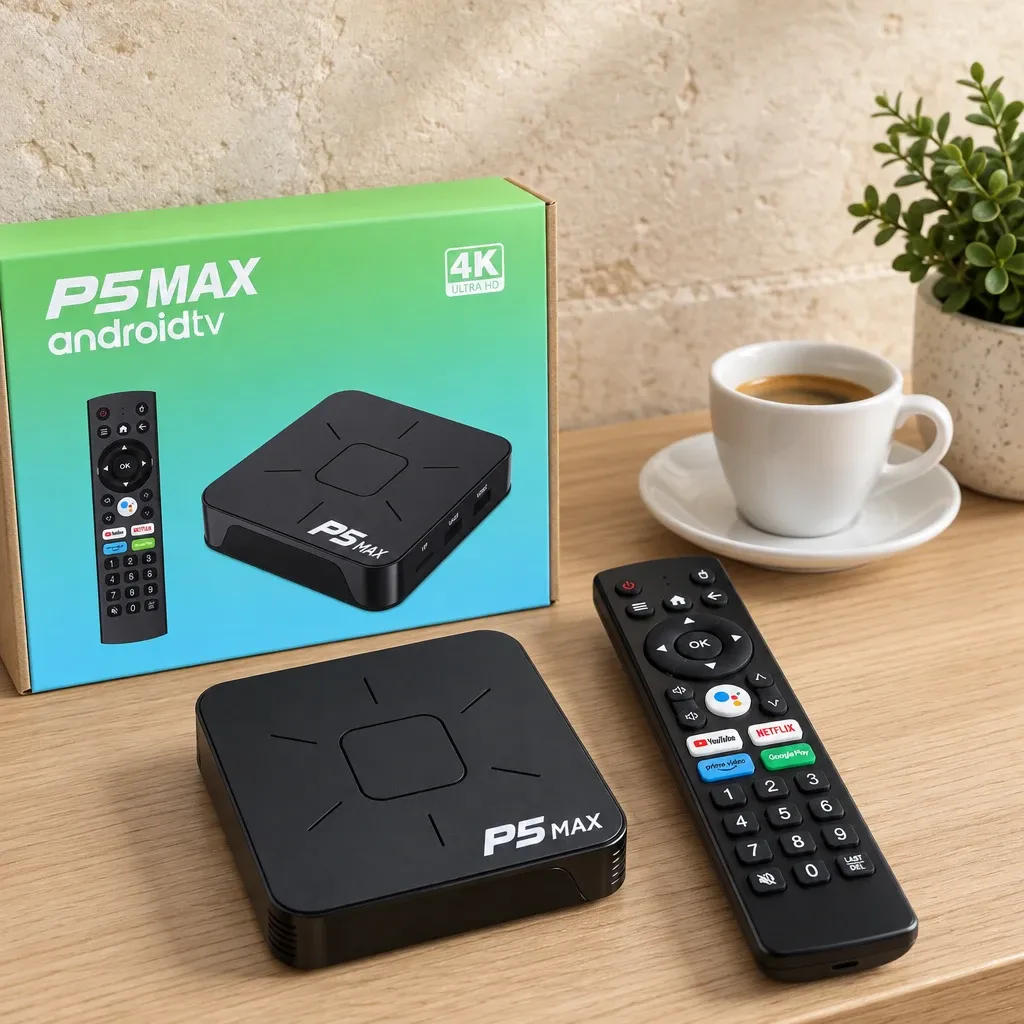
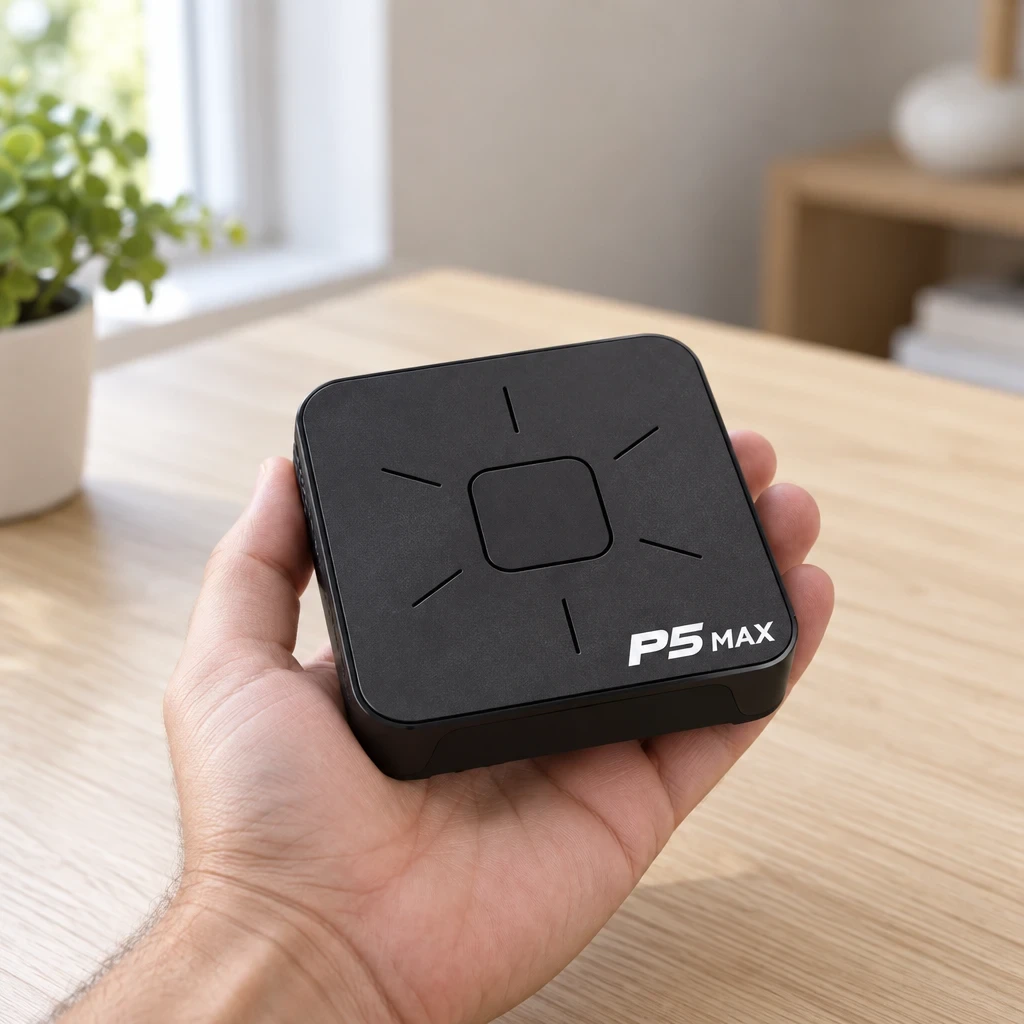
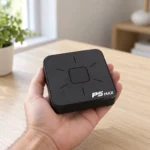
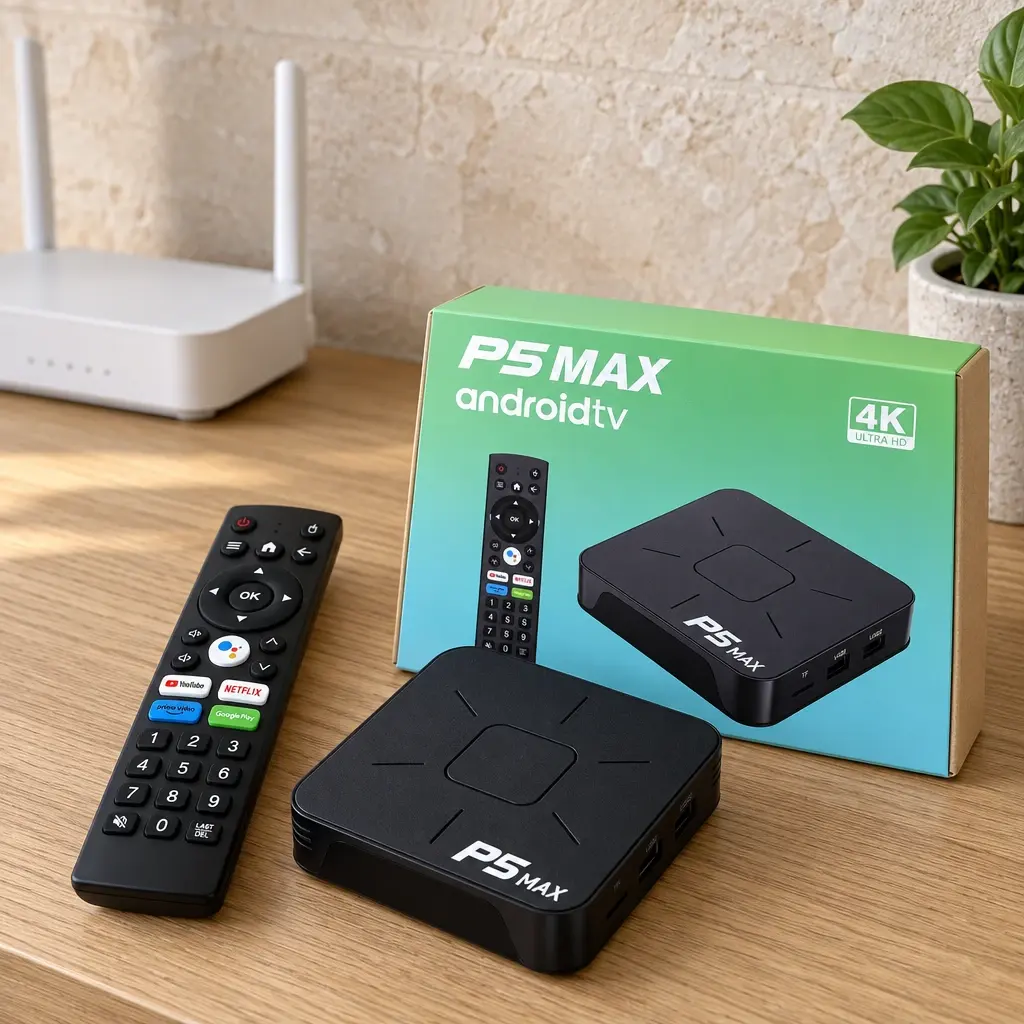
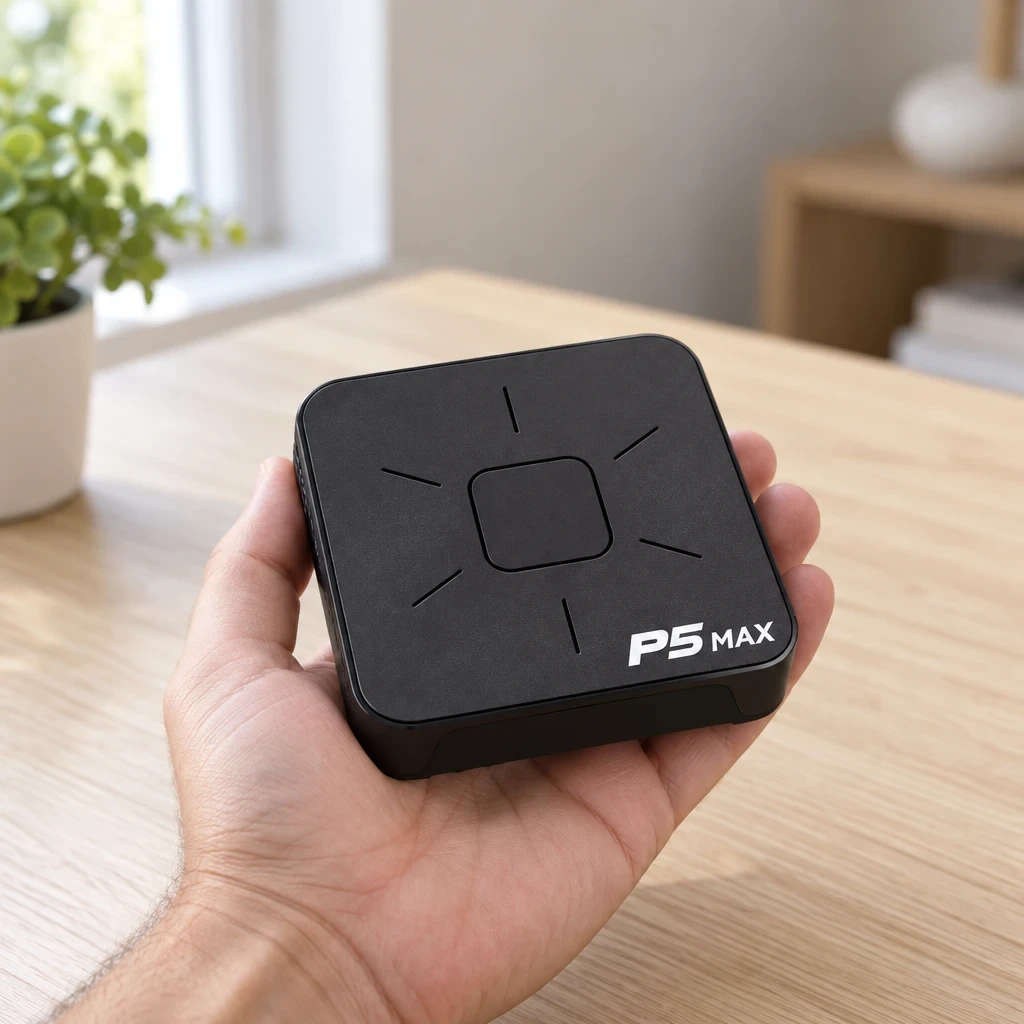
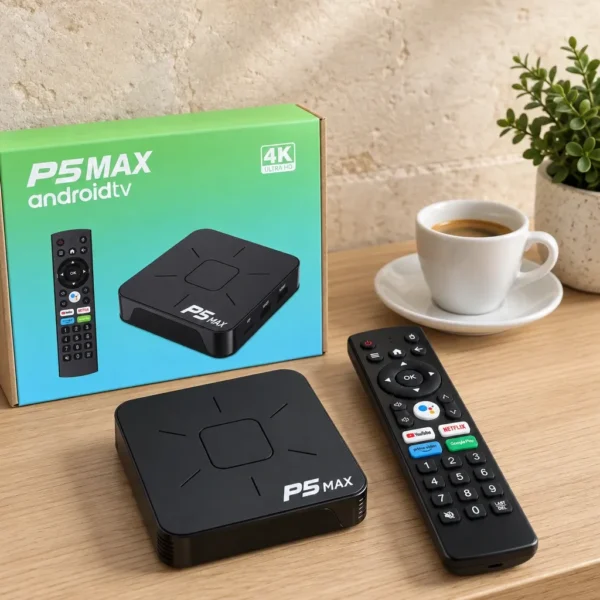
Get apps, films and shows on the TV you already own with this Android Box Malta: a small player running Android 14, with 4K output, dual-band WiFi, Bluetooth and a voice remote. It connects through HDMI, so an ordinary set becomes a smart screen without buying a new television. Call it an android tv box, a tvbox, a box smart tv or a smart tv box: it plugs in beside the TV and brings your streaming apps, YouTube and casting from your phone to the big screen.
✨ Key Benefits
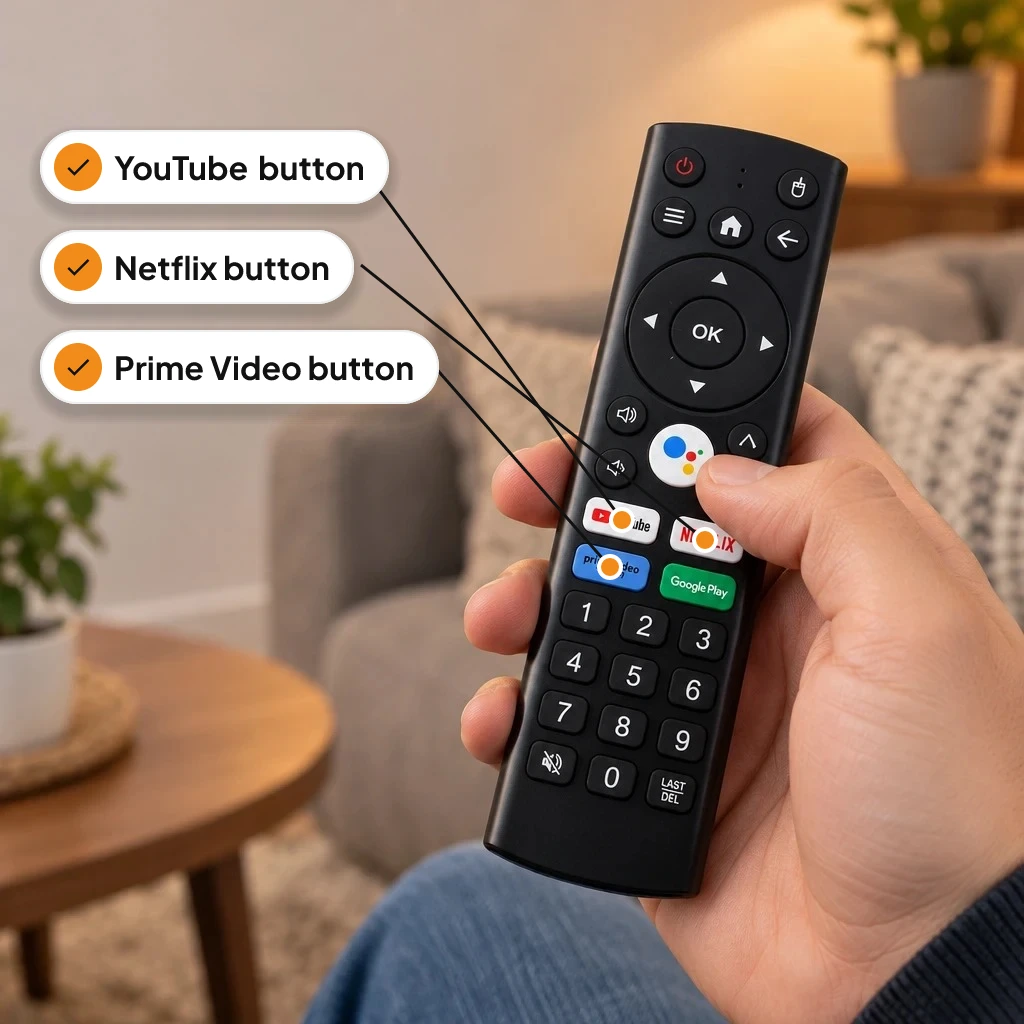
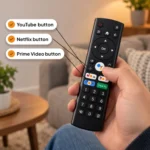
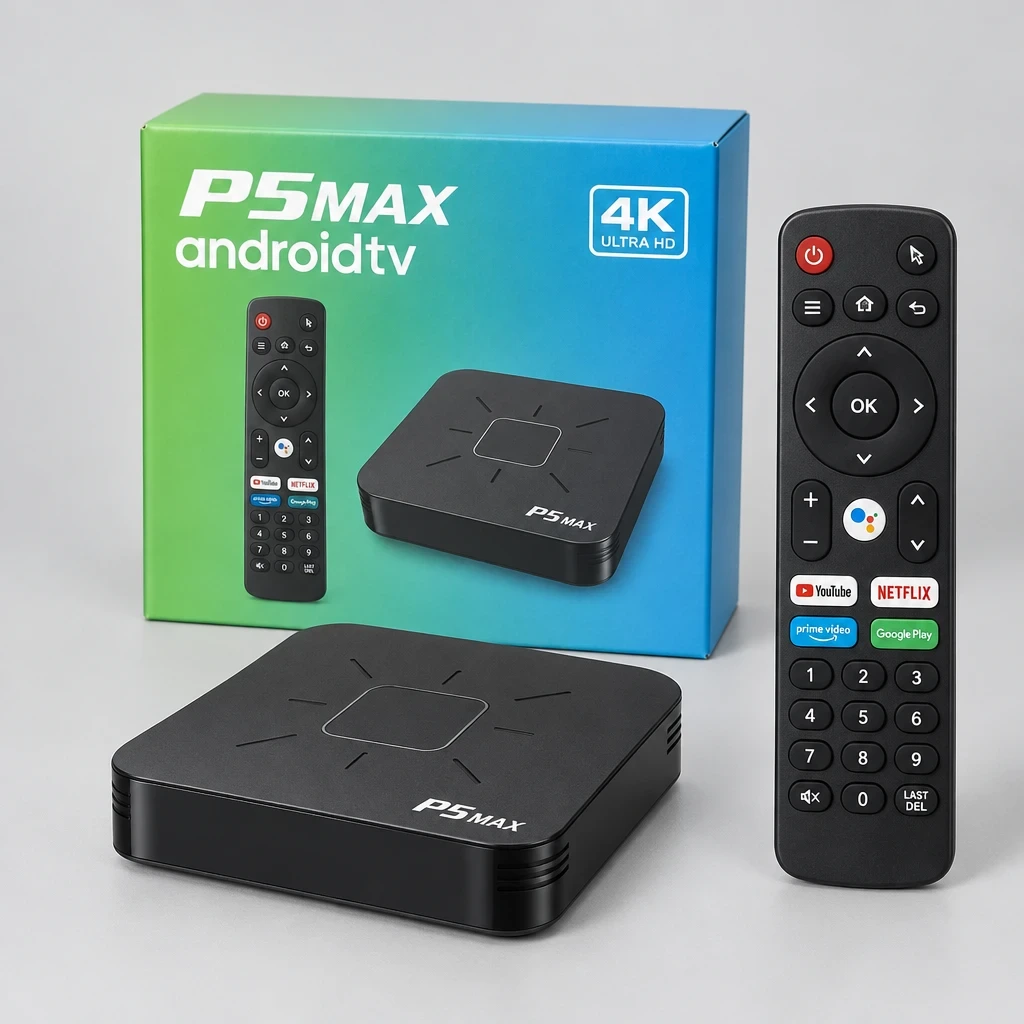
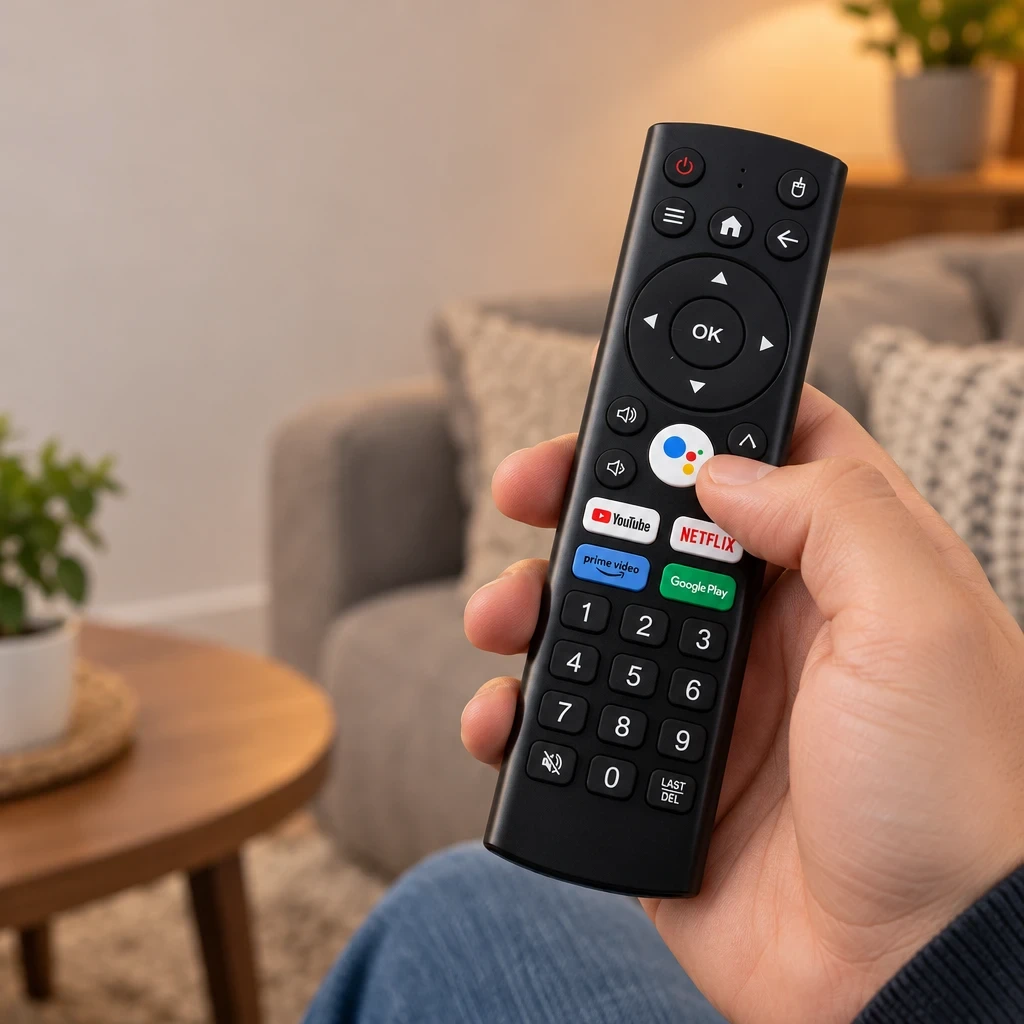
✅ Voice remote with shortcut buttons for YouTube, Netflix, Prime Video, Google Play and Google Assistant
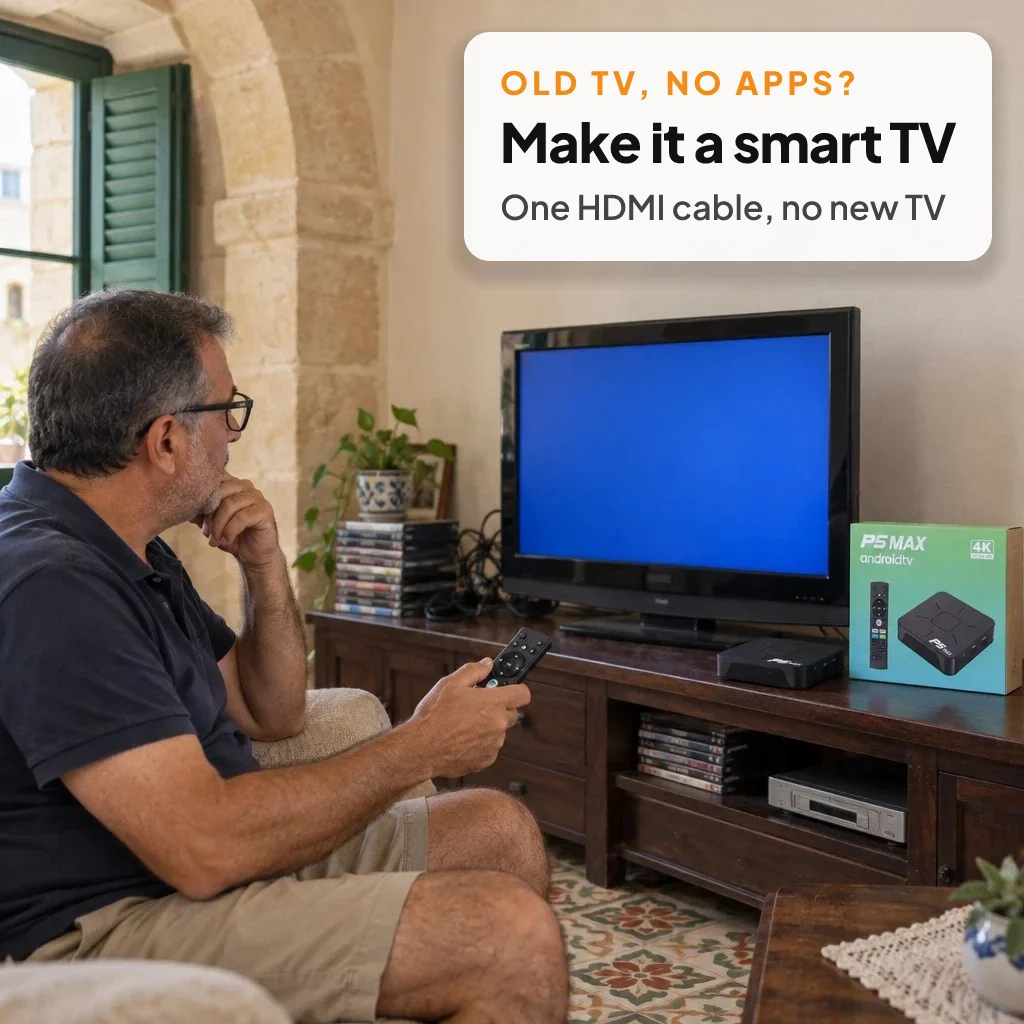
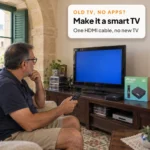
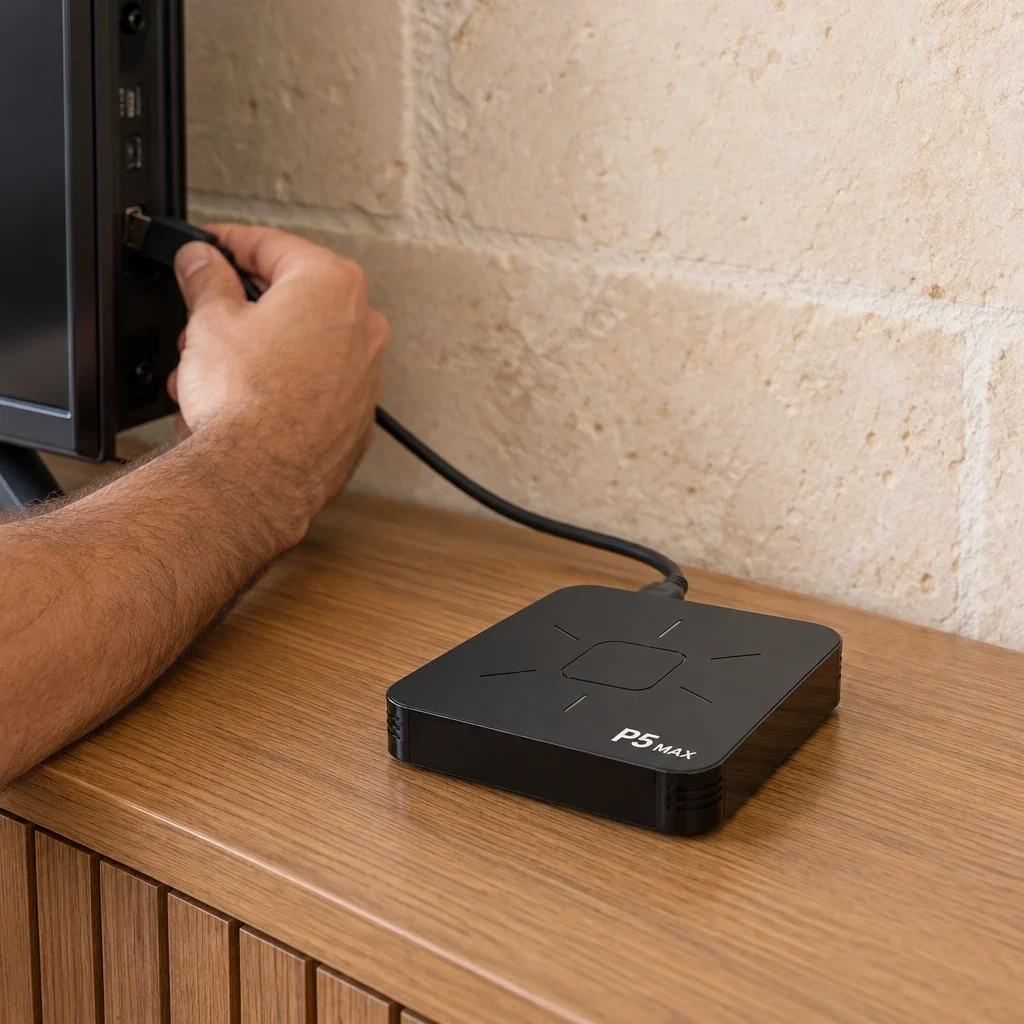
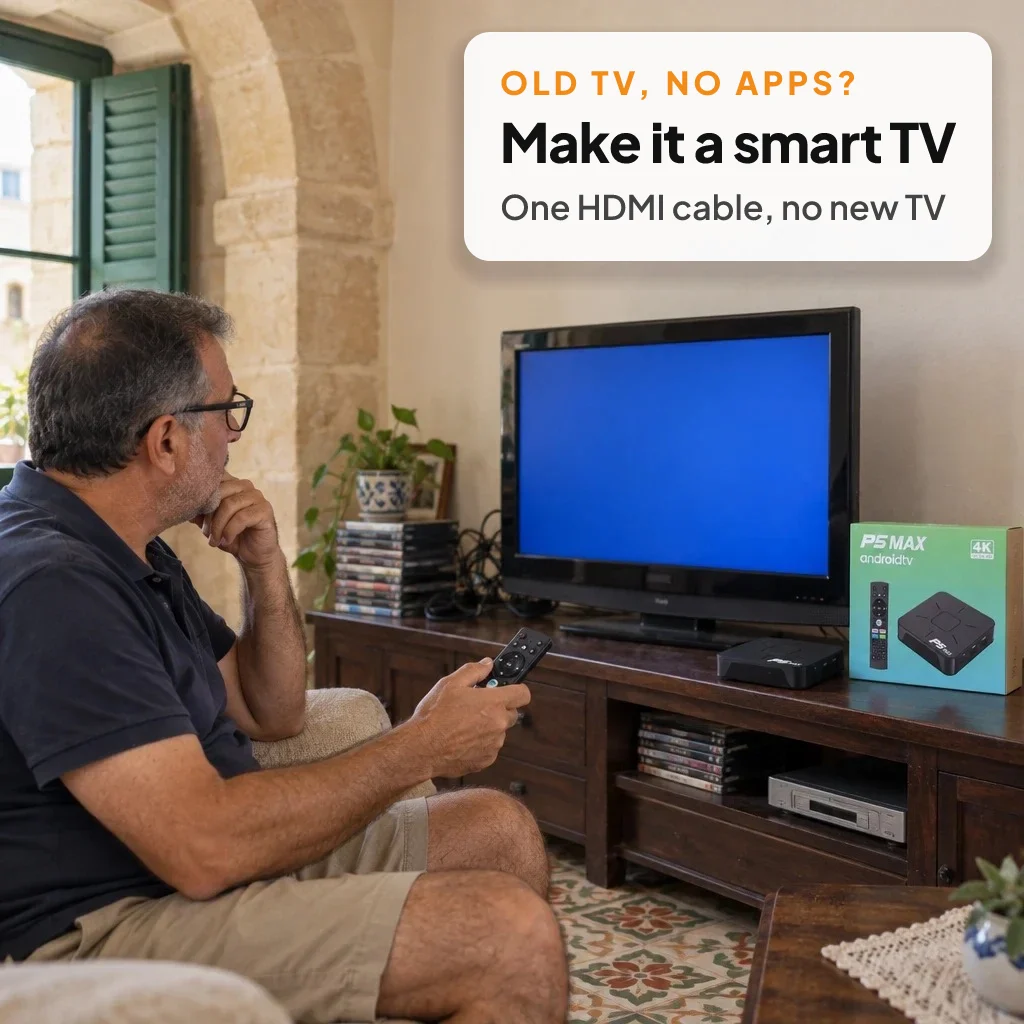
✅ No need to replace a working TV: the Android Box Malta adds smart features through one HDMI cable
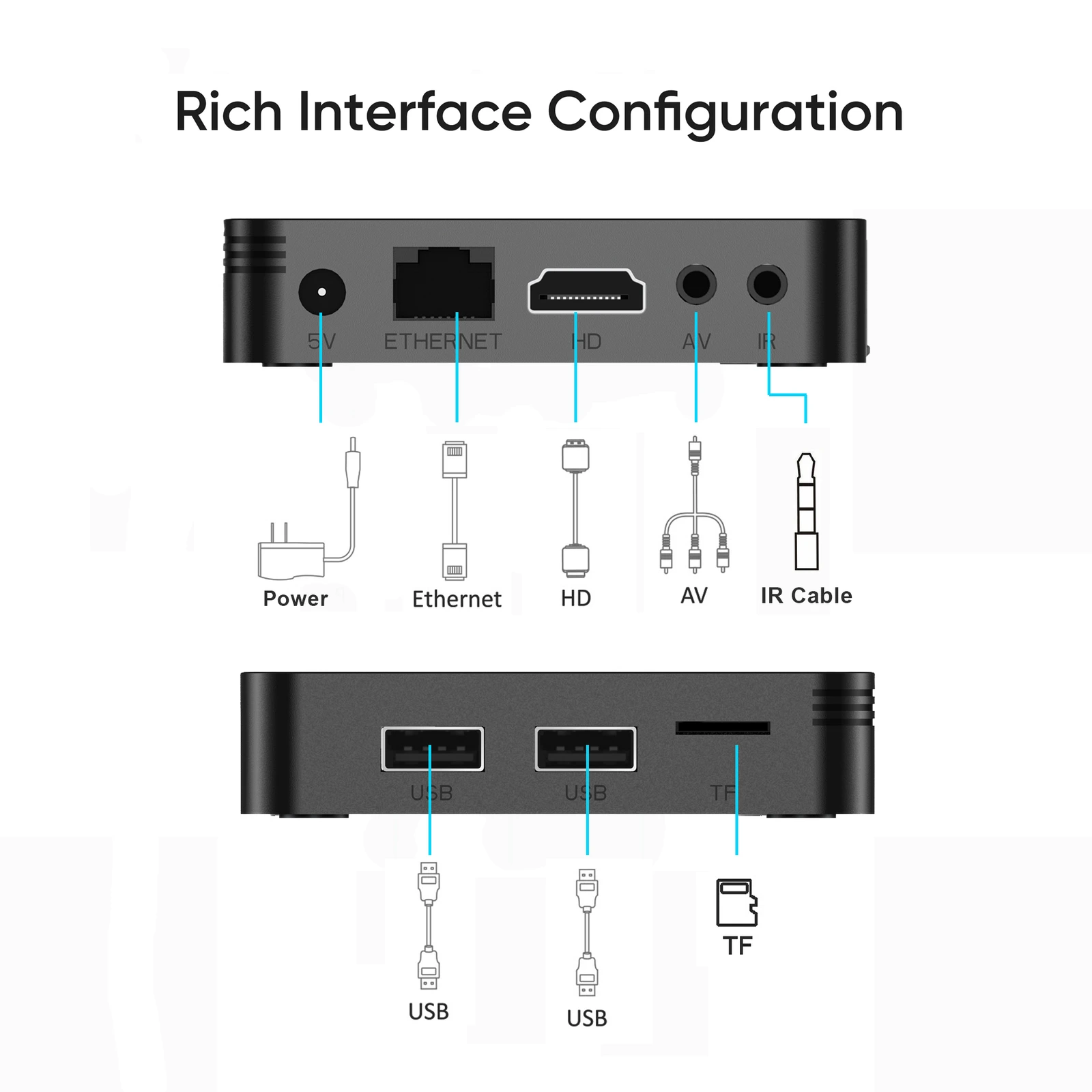
✅ 16 GB of storage and 2 GB of RAM, with a TF card slot and two USB ports for extra files
✅ Dual-band WiFi on 2.4 GHz and 5 GHz, plus an Ethernet port for a cabled connection
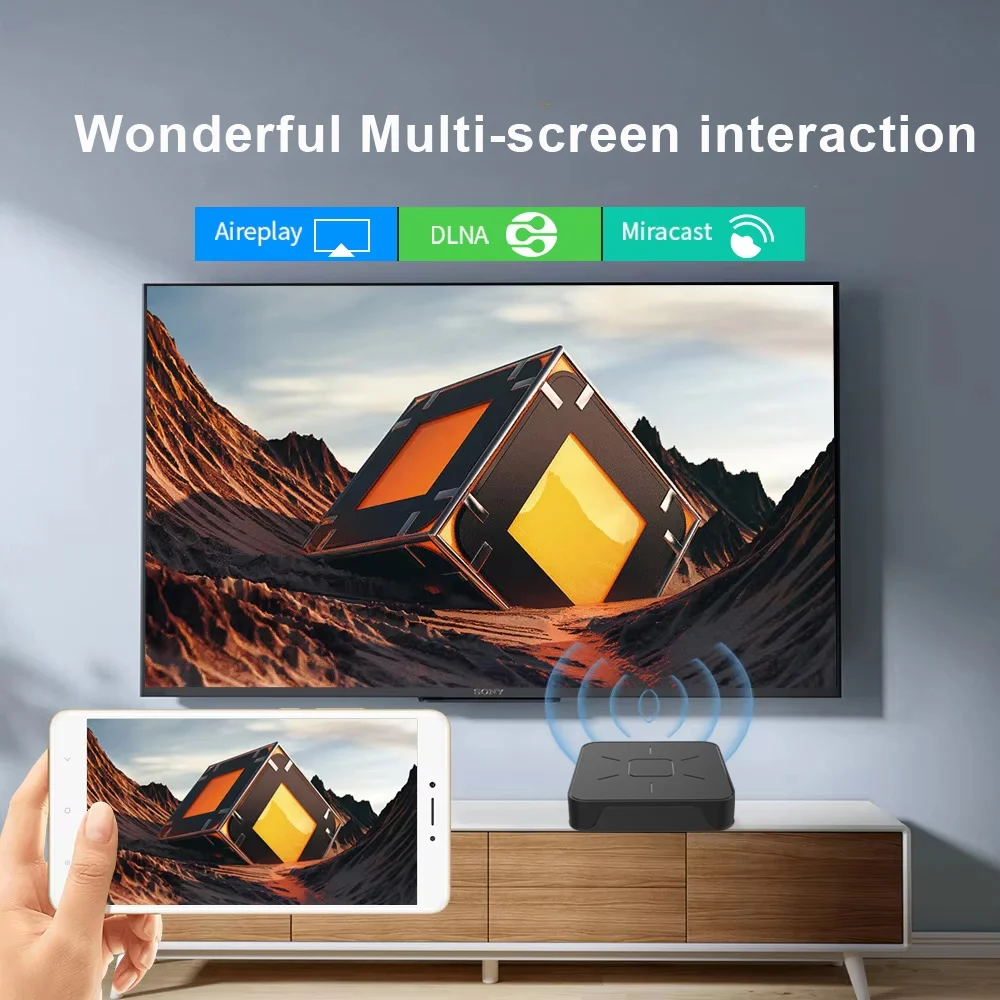
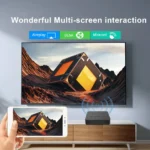
✅ Cast photos and videos from your phone with AirPlay, DLNA or Miracast
✅ 4K output for sharp pictures on a 4K television
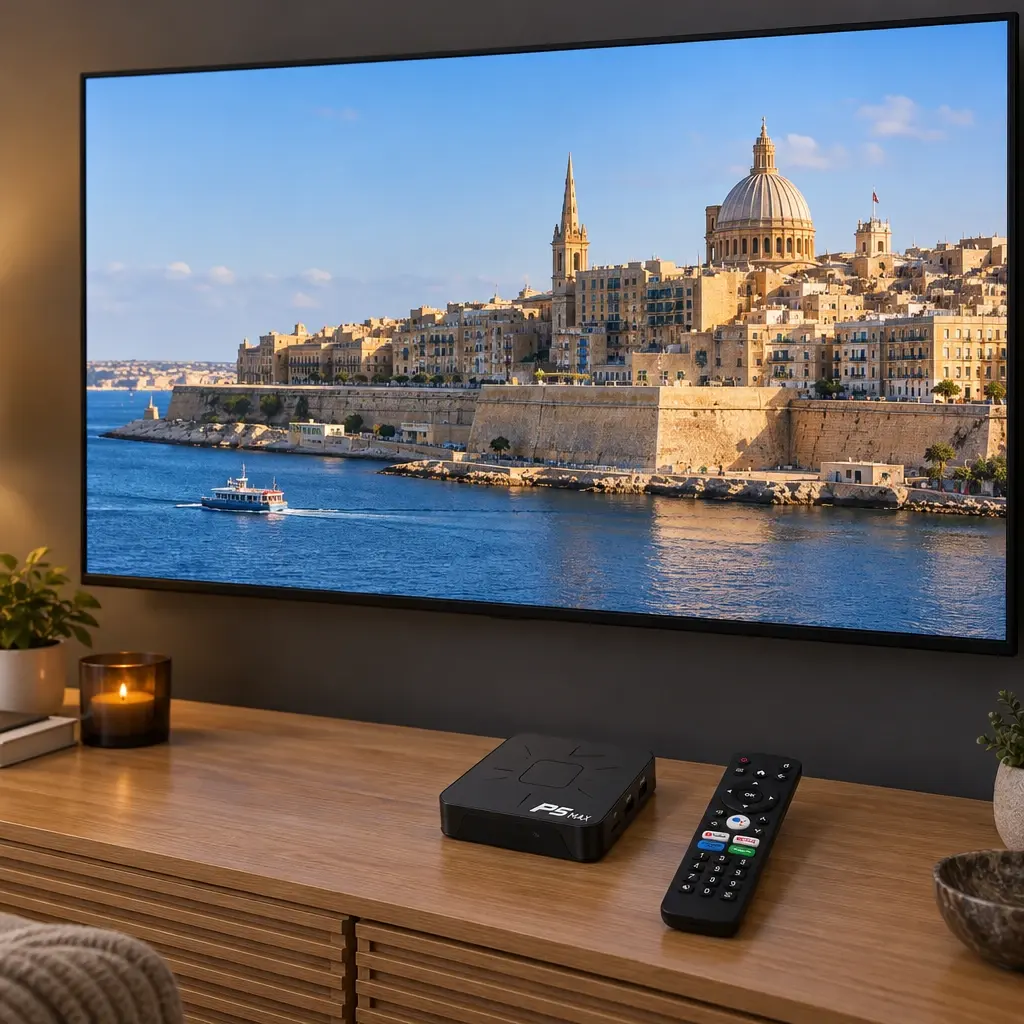
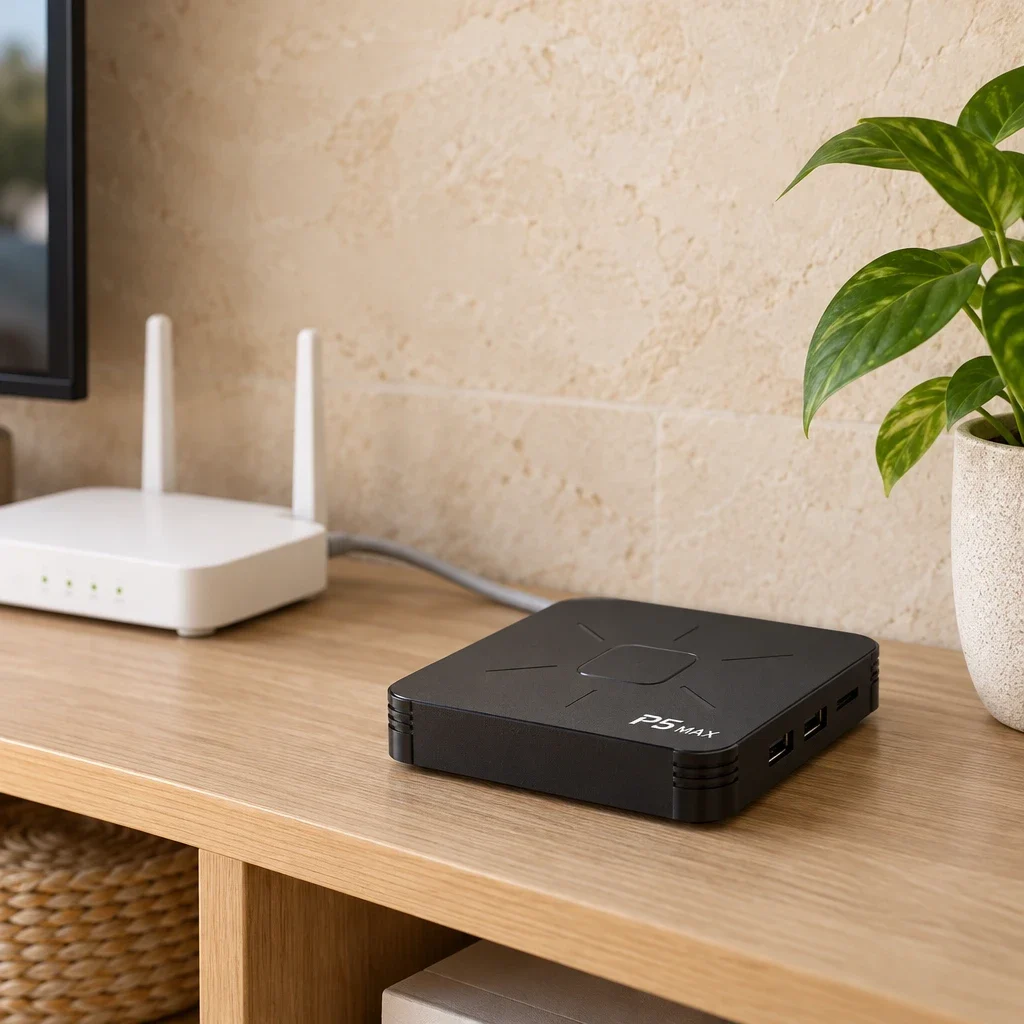
🇲🇹 Android Box Malta Homes Enjoy
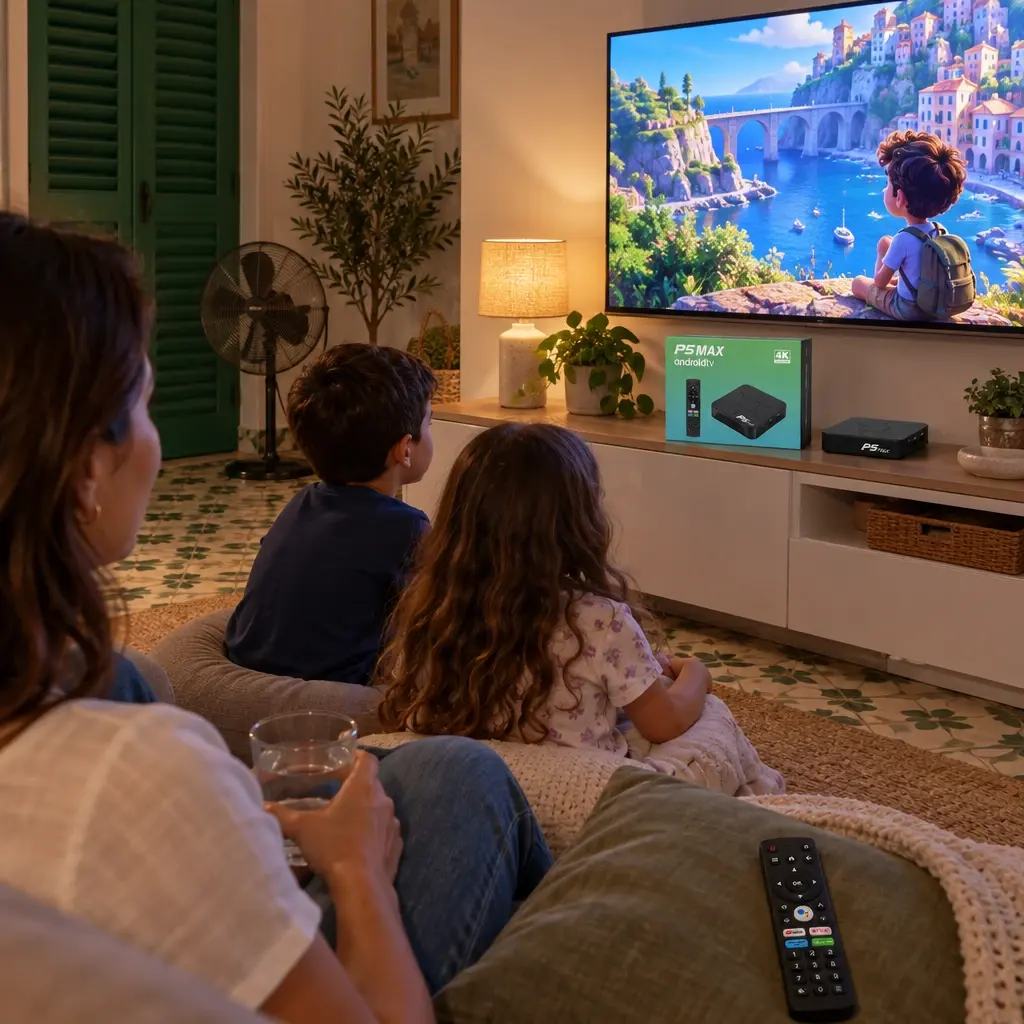
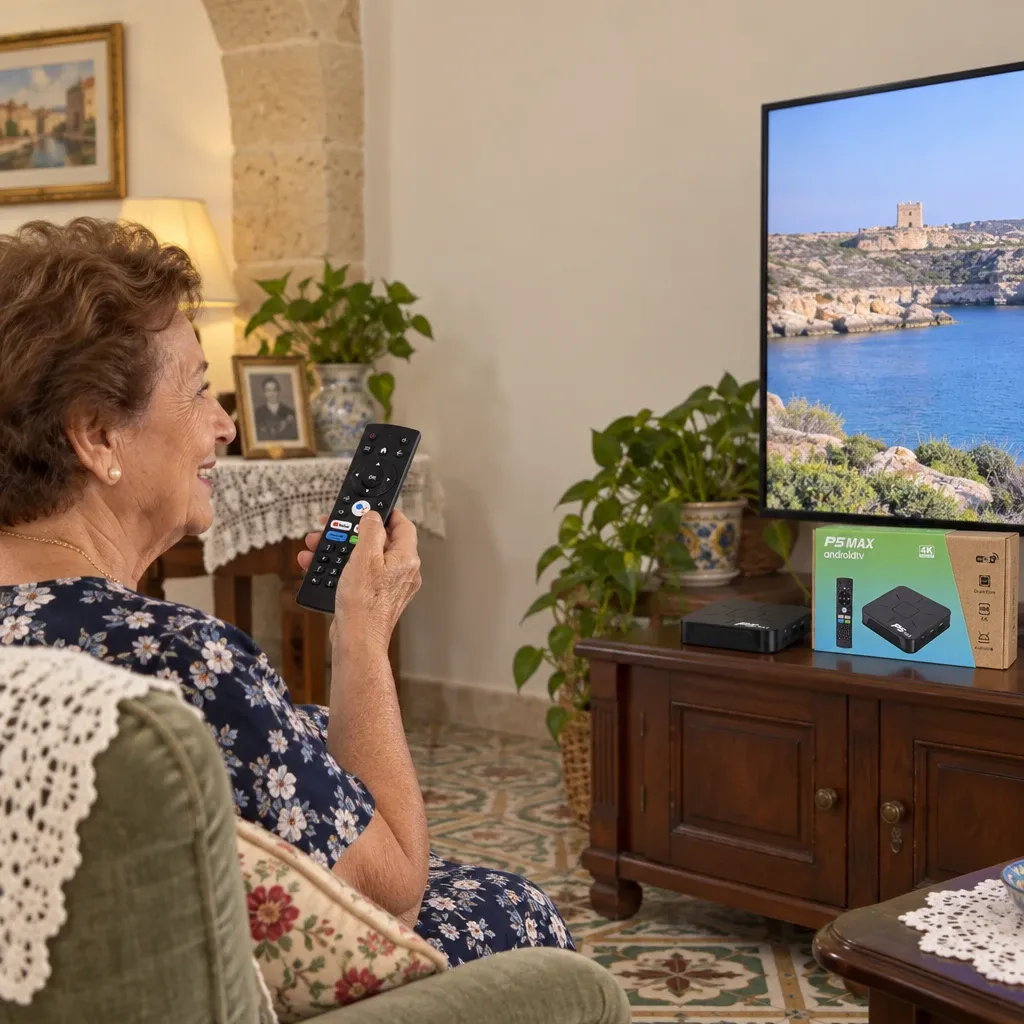
Many flats in Malta have a compact living room where the TV sits on a narrow unit or on the wall. A small box fits behind or beside the screen, and an Android Box Malta families use every day keeps all the apps in one place instead of a pile of cables and older devices.
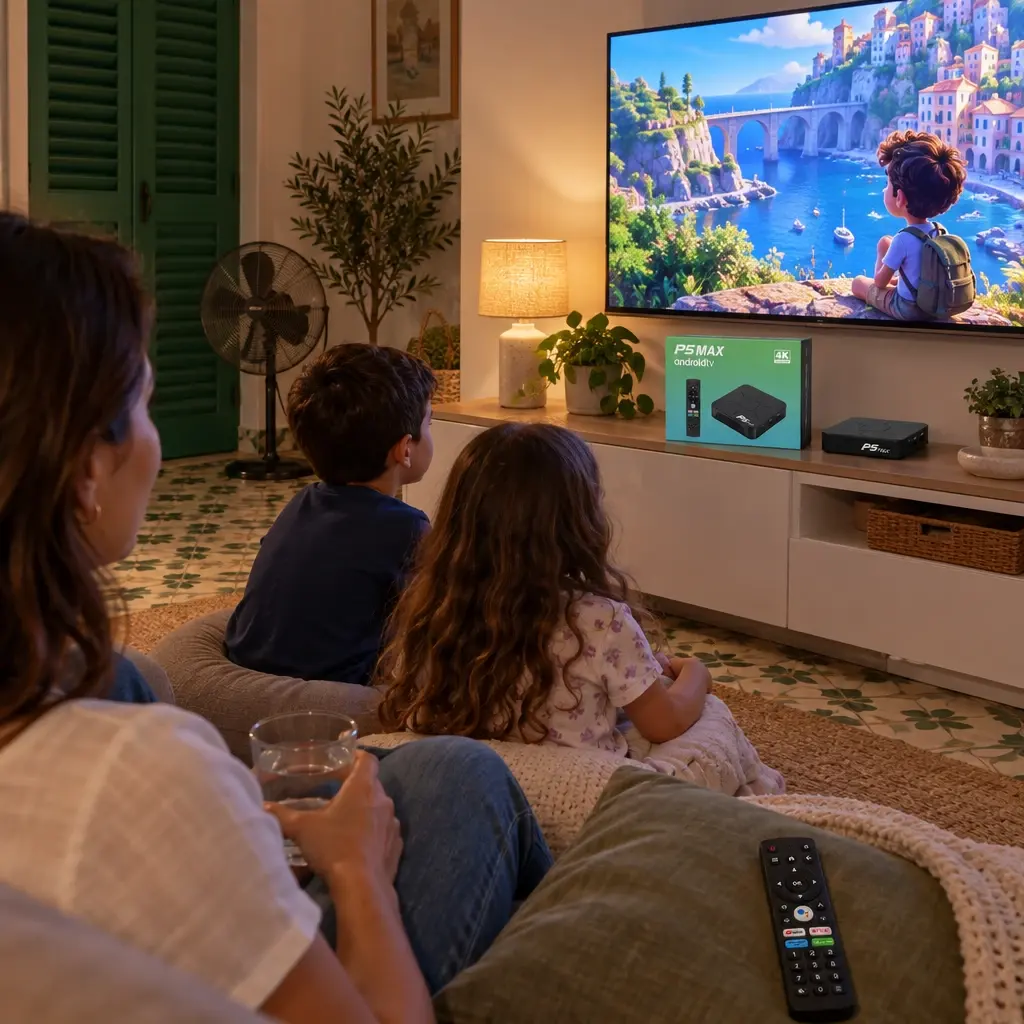
In the hot summer months, evenings often move indoors with the air conditioning on. That is when a smart screen earns its place: films for the family, cartoons for the children and sport for whoever holds the remote. If the WiFi is weak in one corner of the flat, the Ethernet port lets you run a cable straight from the router.
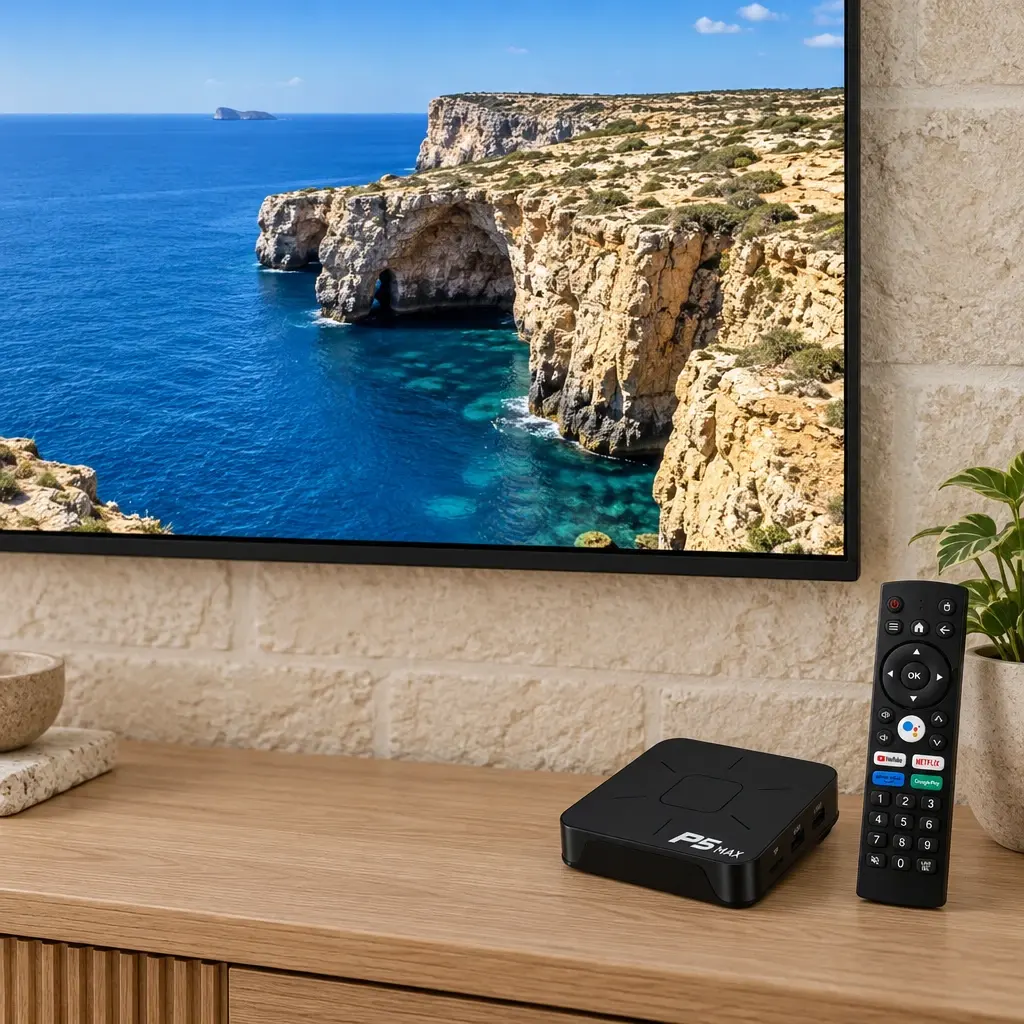
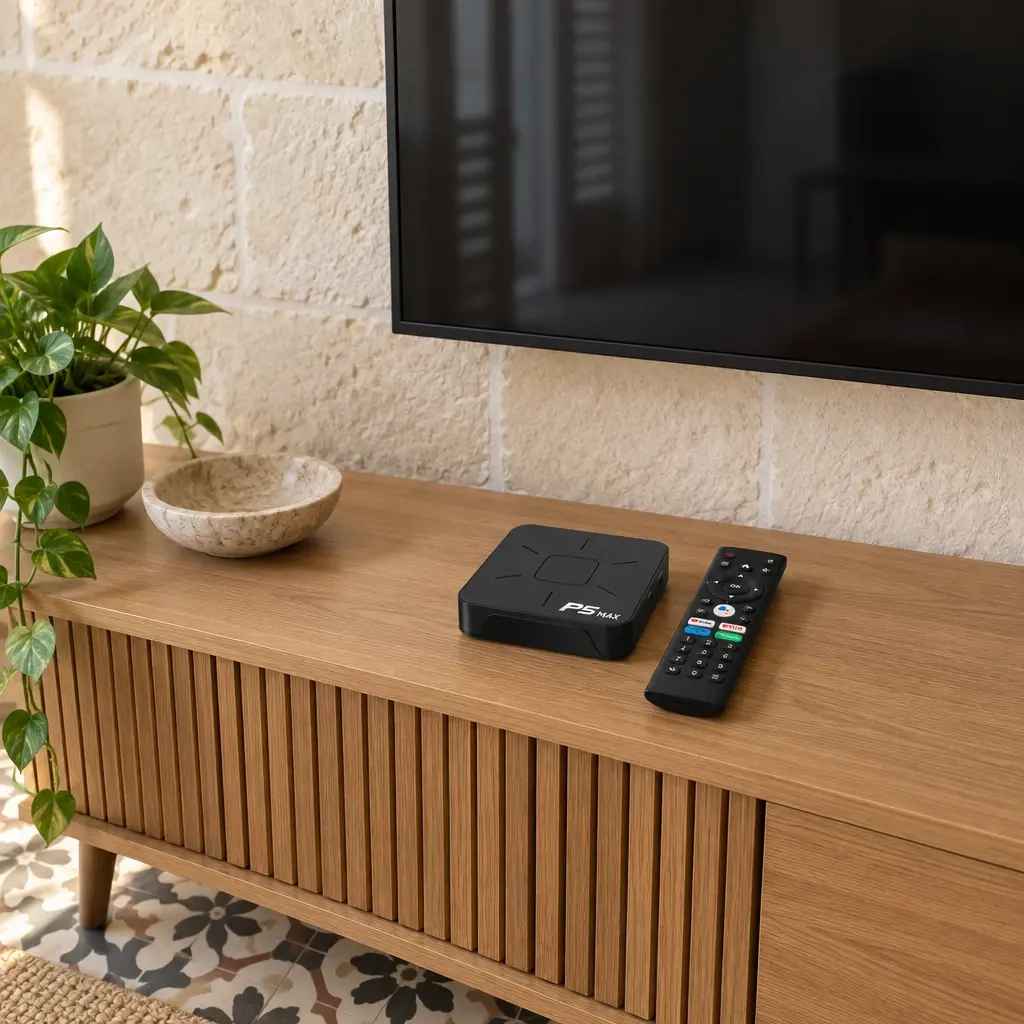
👪 Who It Is For
✅ Anyone who wants one Android Box Malta setup for films, series and YouTube
✅ Grandparents who find a voice button easier than typing on a TV keyboard
✅ Families with an older TV that has an HDMI port but no smart apps
✅ People who like to show phone photos and videos on the big screen
✅ Holiday flats and spare rooms that need a simple smart TV
🛠️ How to Use It
✅ 1. Connect the HDMI cable to the box and to a free HDMI port on your TV.
✅ 2. Plug the power adapter into the box and into a wall socket.
✅ 3. Switch the TV to the HDMI input you used.
✅ 4. Connect to your WiFi, or plug an Ethernet cable from your router into the box.
✅ 5. Sign in to your accounts and install the apps you want.
✅ 6. Press the voice button on the remote and speak to search for a show or app.
📋 Specifications
| Operating system | Android 14 |
|---|---|
| Processor | Quad-core |
| RAM | 2 GB |
| Storage | 16 GB |
| Video output | Up to 4K |
| WiFi | Dual-band 2.4 GHz and 5 GHz (802.11n) |
| Ethernet | 100 Mbps |
| Bluetooth | Yes |
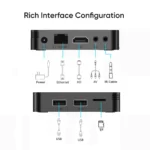
| Ports | HDMI, Ethernet, AV, IR, 2 x USB, TF card slot, 5 V power |
| Casting | AirPlay, DLNA, Miracast |
| Remote | Voice remote |
| Plug | UK three-pin |
| Weight with packaging | 0.5 kg |
| Package size | 10 x 5 x 10 cm |
🧽 Care and Maintenance
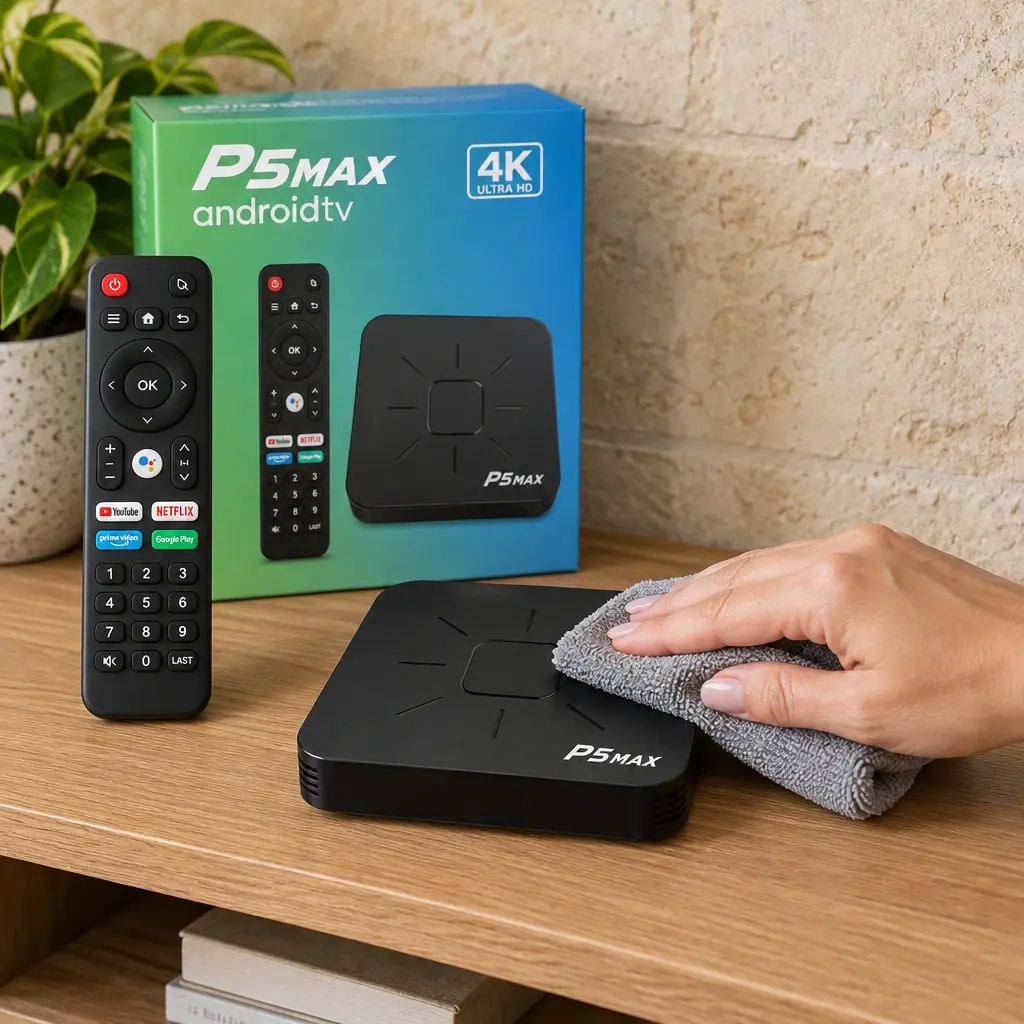
Treat your Android Box Malta like any small electronic device. Keep it in an open spot with air around it, not inside a closed cabinet or in direct sun, so it stays cool in summer.
Dust settles quickly in Maltese homes, so wipe the box and the remote now and then with a soft dry cloth. Unplug it from the wall before cleaning, and never use water or sprays on it.
📦 What Is in the Box
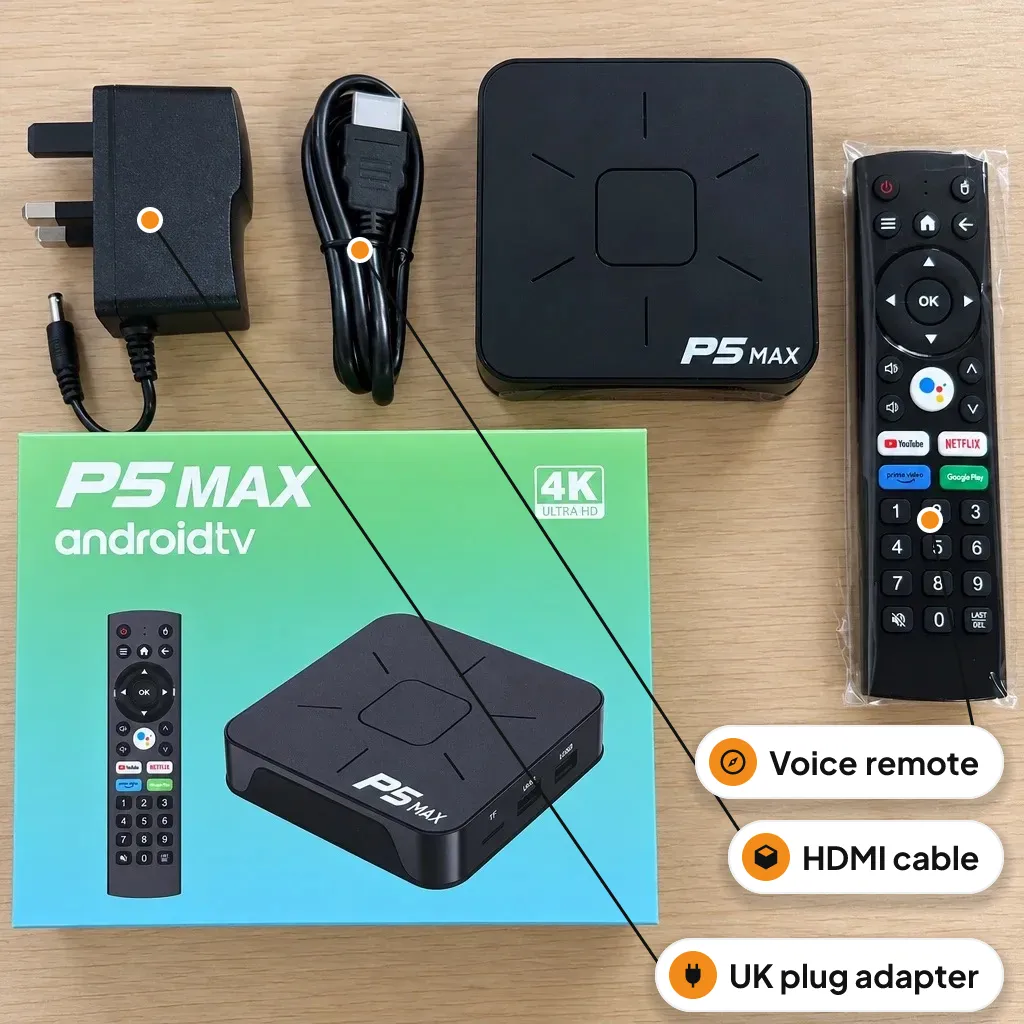
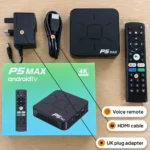
✅ 1 x Android TV box
✅ 1 x Power adapter
✅ 1 x Voice remote
✅ 1 x User manual
✅ 1 x HDMI cable
❓ Frequently asked questions
Will it work with my TV?
Yes, if your TV has an HDMI port. The Android Box Malta sends a 4K picture to a 4K TV, and an ordinary HD TV simply shows it at its own resolution.
What plug does it come with?
It comes with a UK three-pin plug, the type used in sockets across Malta and Gozo.
Do I need internet?
Yes, for streaming apps you need internet. Connect through WiFi on 2.4 GHz or 5 GHz, or with an Ethernet cable from your router.
Can I watch Netflix and YouTube?
The remote has shortcut buttons for YouTube, Netflix, Prime Video and Google Play, and you sign in with your own accounts. Subscriptions are separate from the Android Box Malta itself.
Is there enough space for apps?
There are 16 GB of storage for apps. For photos and videos you can add a TF card or plug in a USB stick.
Can I show photos from my phone on the TV?
Yes, it supports AirPlay, DLNA and Miracast, so you can cast photos and videos from your phone to this Android Box Malta while both are on the same WiFi.
Customer Reviews
Related Products

Big Standing Desk Malta with Manual Crank
In stock
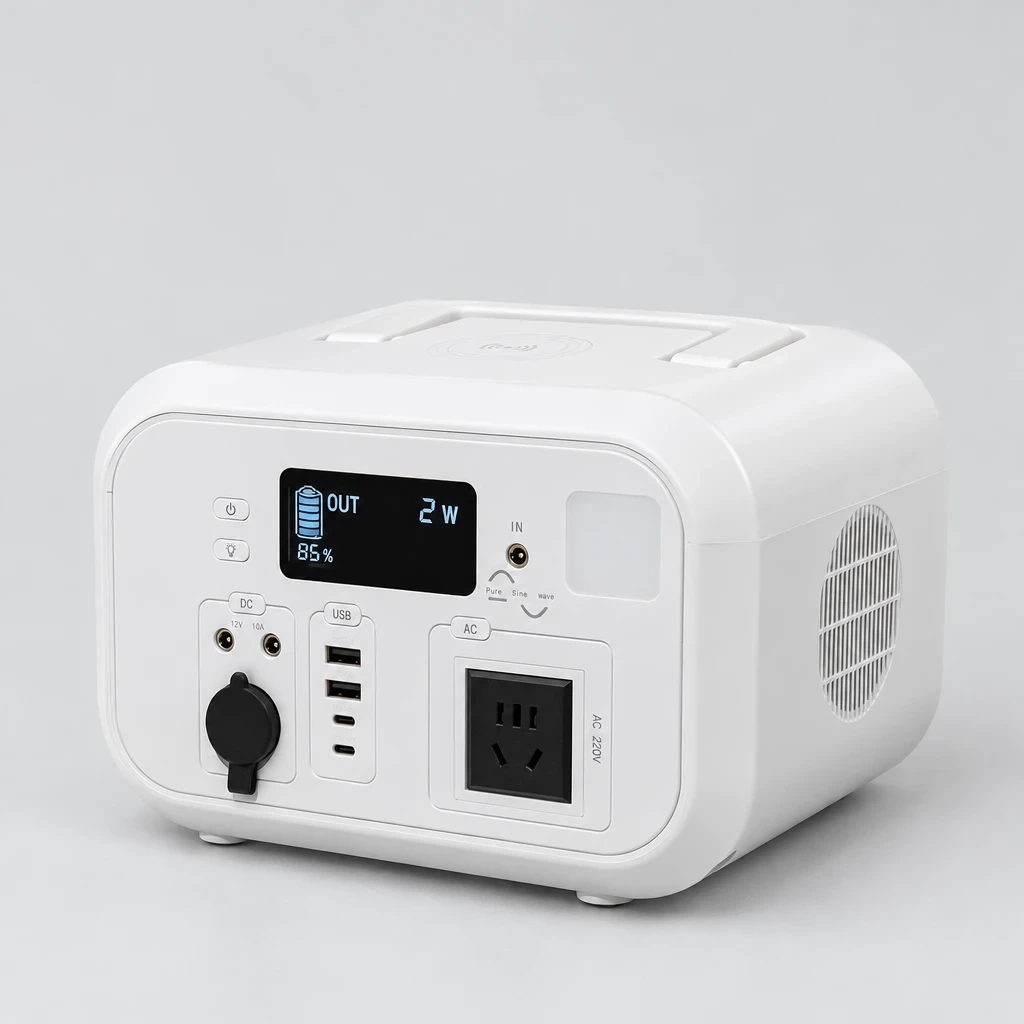
Portable Power Station with Solar Input Malta
In stock

Portable Thermal Label Printer Malta
In stock
Walking Pad Under Desk Treadmill Malta
In stock
Reviews
Clear filtersThere are no reviews yet.