




USB C to HDMI Cable 2m 4K Malta
Original price was: €34.90.€19.90Current price is: €19.90.
-
 Pick up from Qormi today

Free
-
Fast Delivery (1-2 Days)

Free
-
2 Year Warranty

-
Free 14-Day returns

Payment Methods:

Description
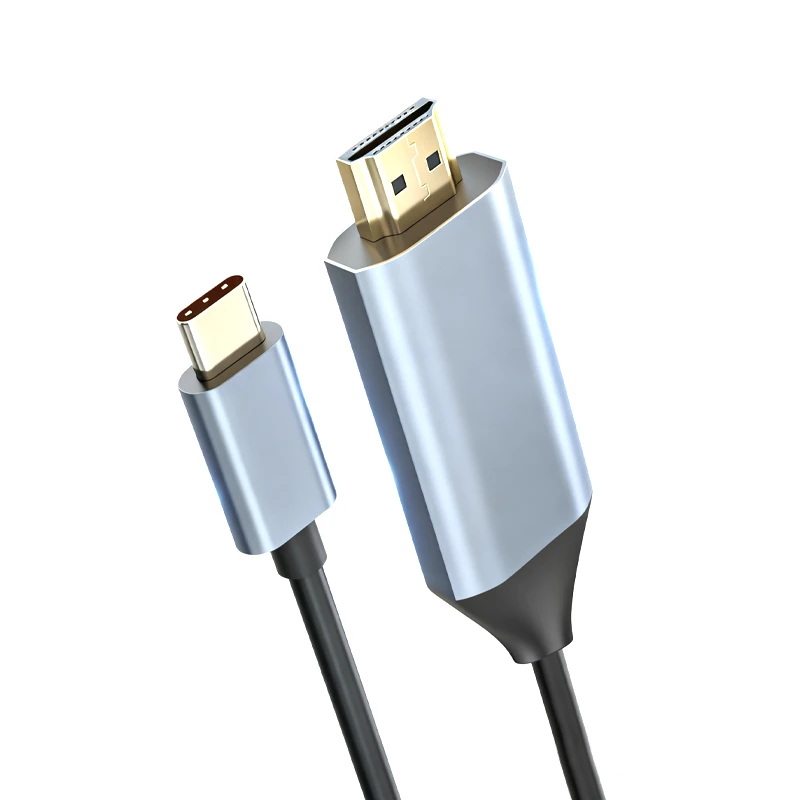
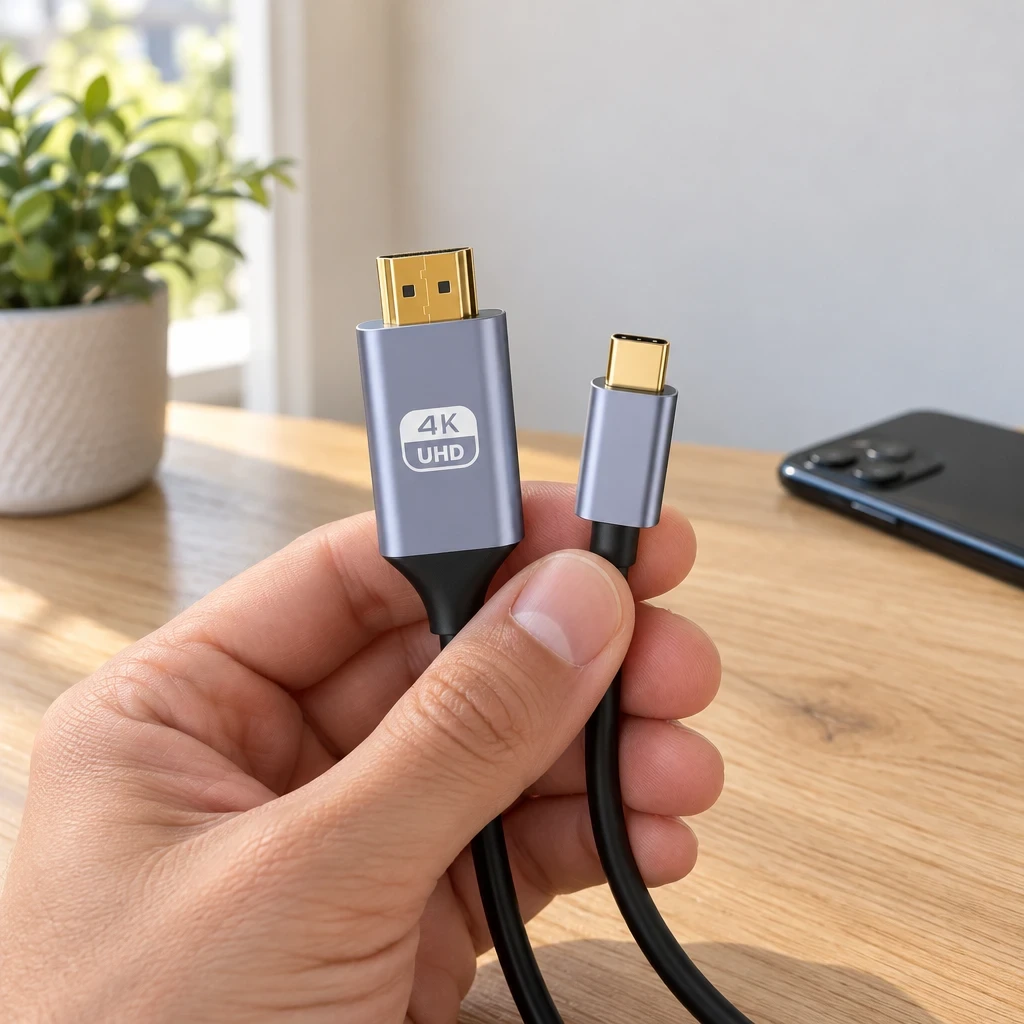
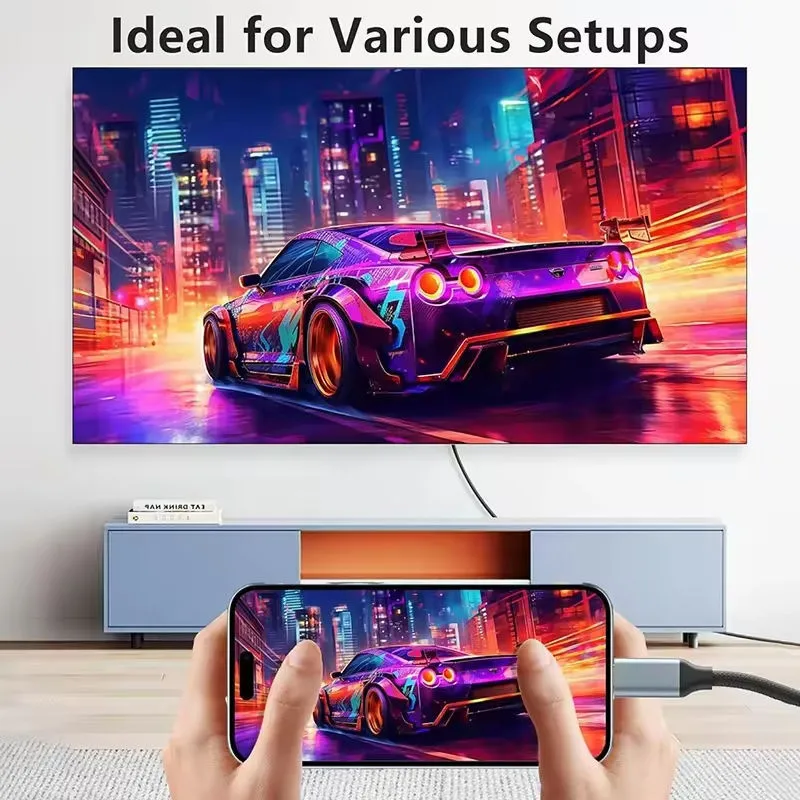
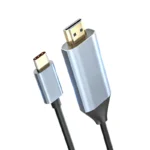
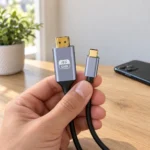
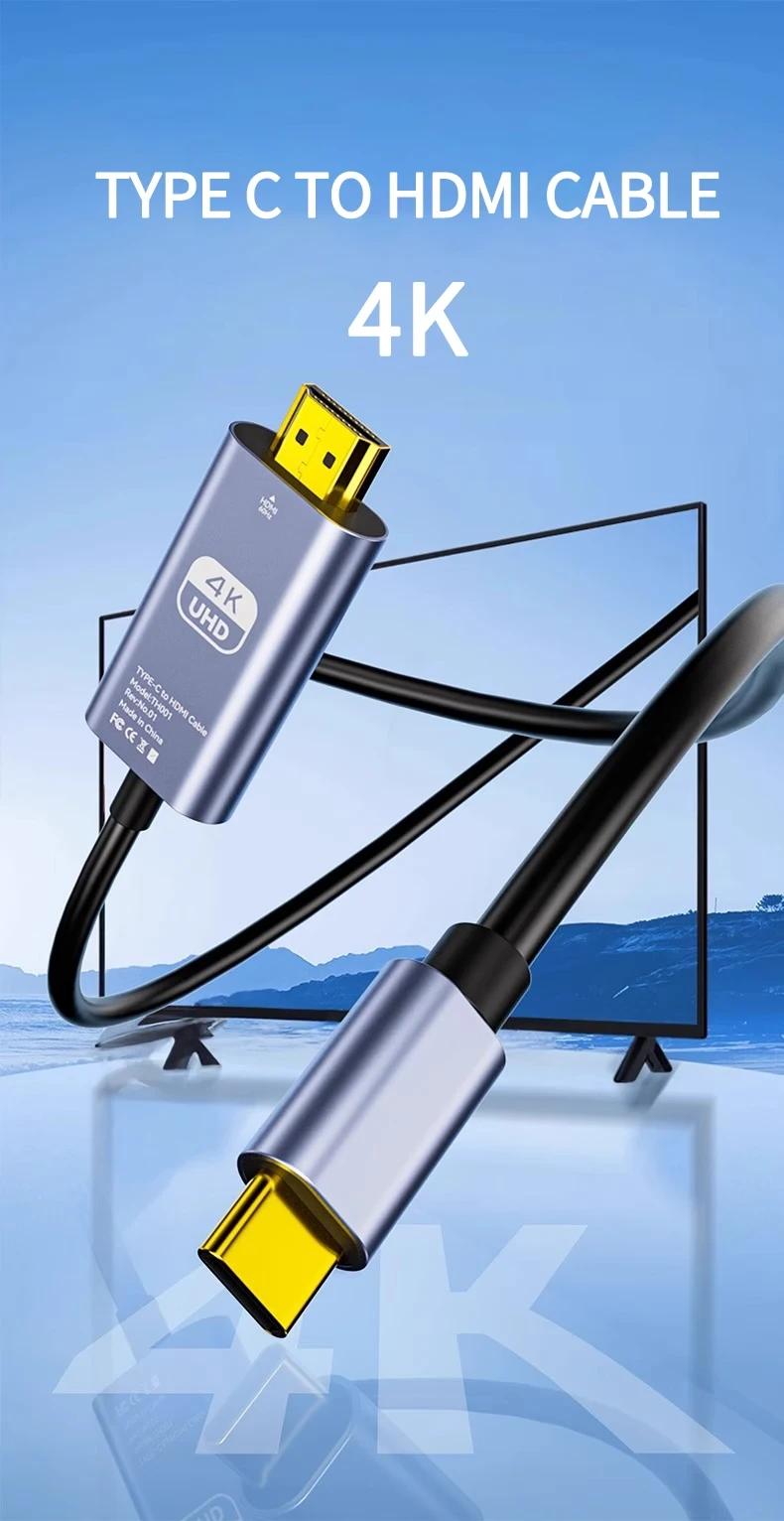
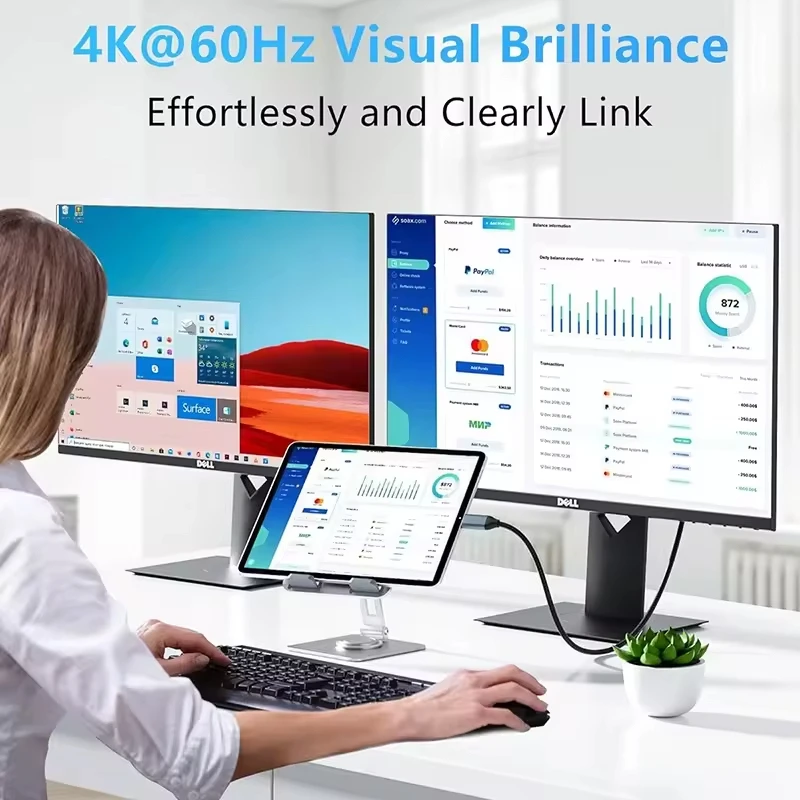
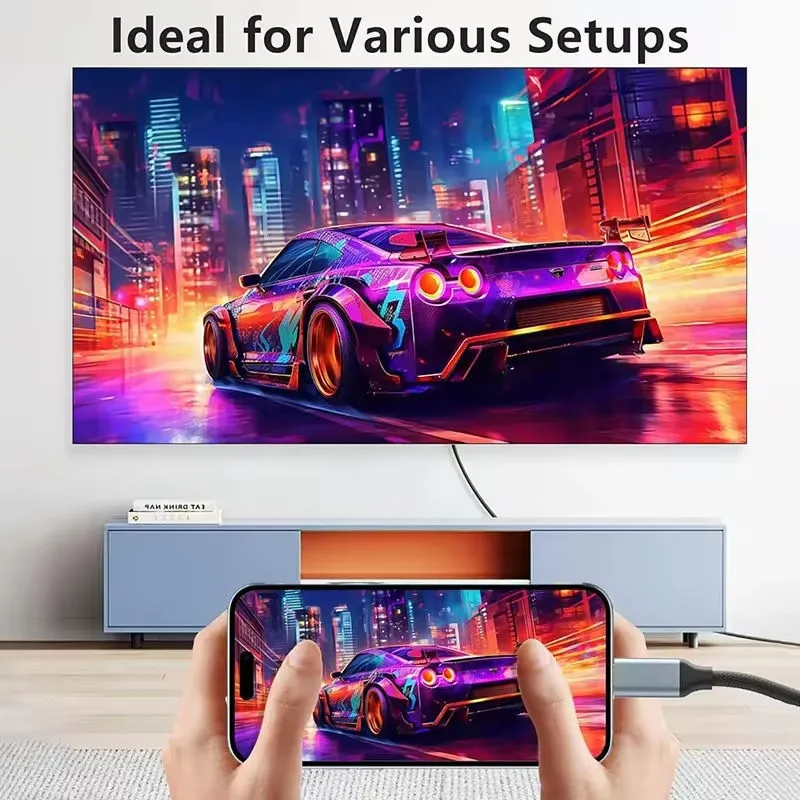
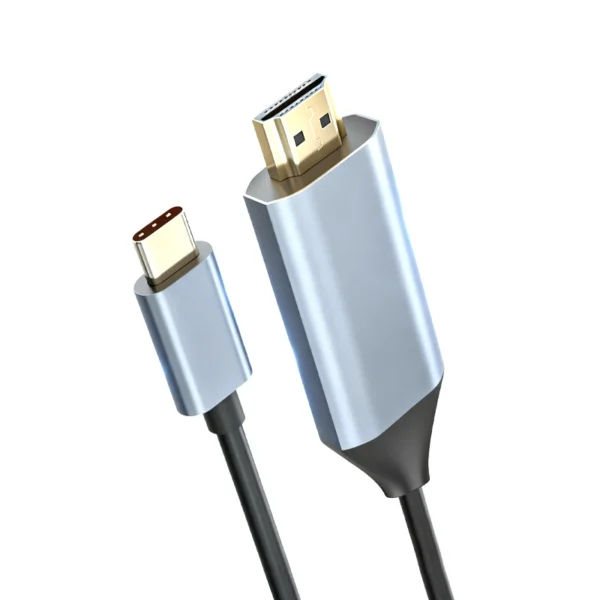
This USB C to HDMI Malta cable puts your phone, tablet or laptop on the big screen: plug the USB C end into your device and the HDMI end into a TV, monitor or projector, and picture and sound travel together at up to 4K at 60Hz. It is 2 m long, with gold-plated plugs in metal housings. Check one thing first: your device’s USB C port must send video. Many laptops and higher-end phones do this, but many lower priced phones do not. You may know it as a USB C to HDMI cable, a USB Type C to HDMI cable or a Type C to HDMI cable: here it is a USB C HDMI cable 4K ready for films, photos, slides and video calls.

✨ Key Benefits
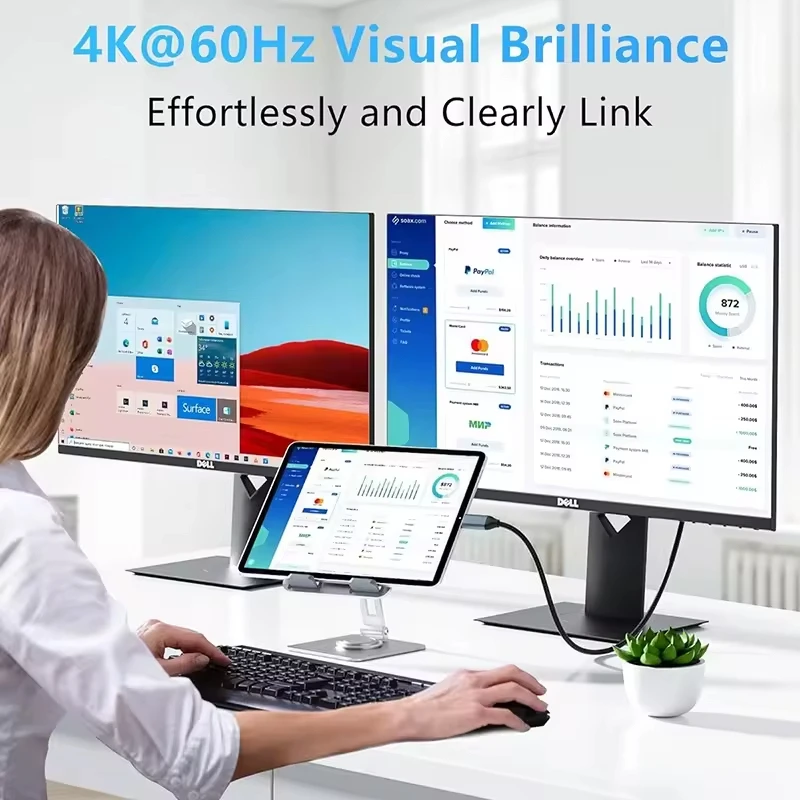
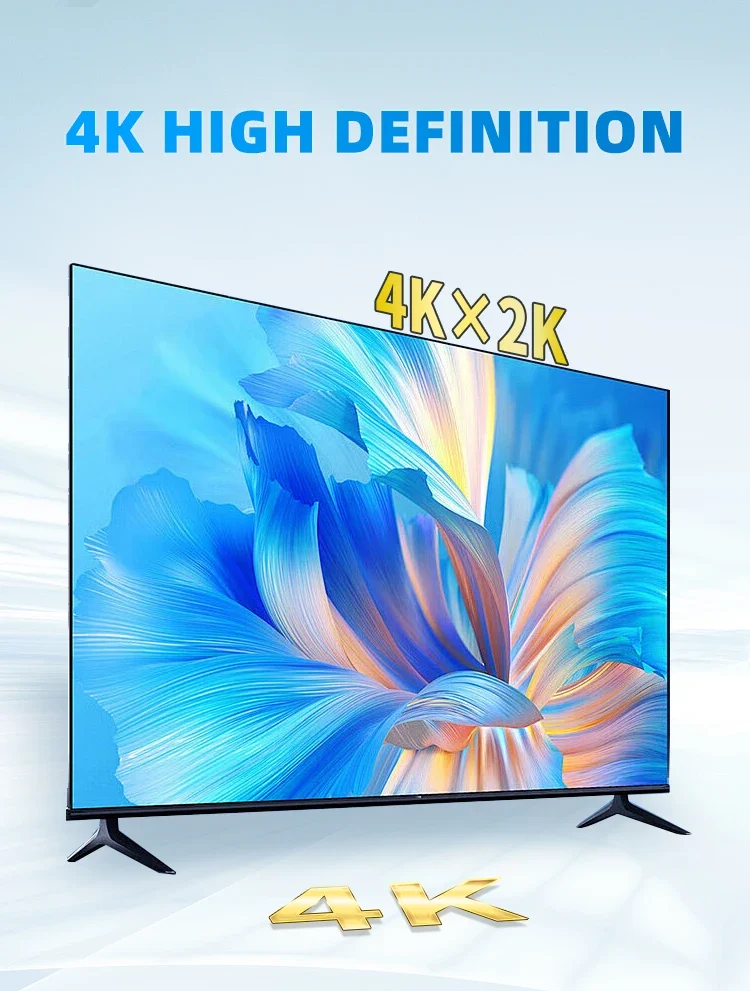
✅ Shows your phone, tablet or laptop screen on a TV, monitor or projector at up to 4K at 60Hz
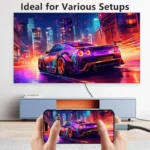
✅ A USB C to HDMI Malta households can use for films, holiday photos, slides and video calls
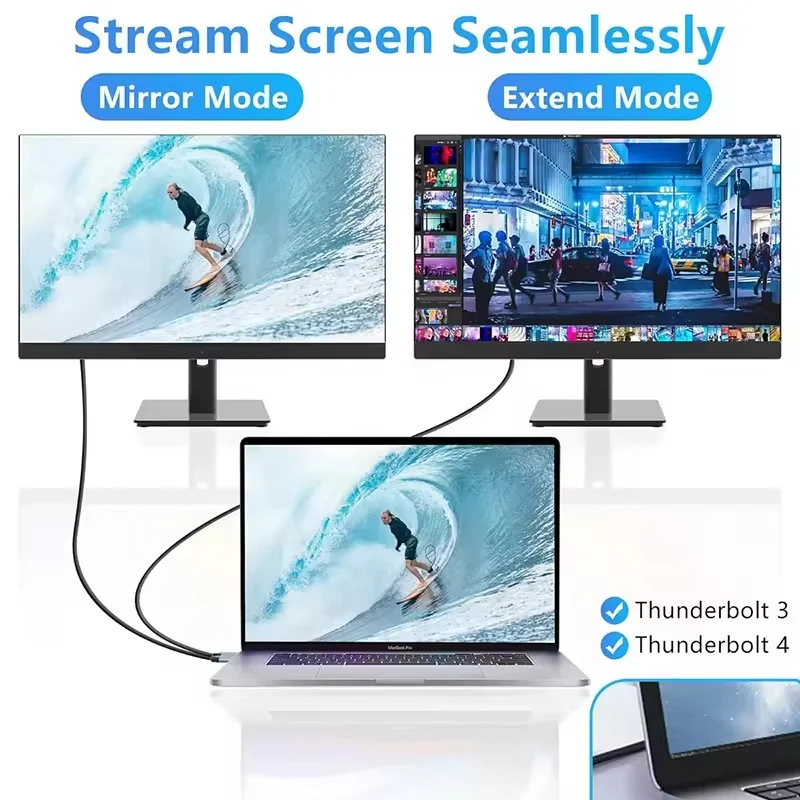
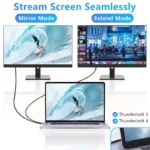
✅ Made for Thunderbolt 3 and Thunderbolt 4 ports as well as USB C ports that send video
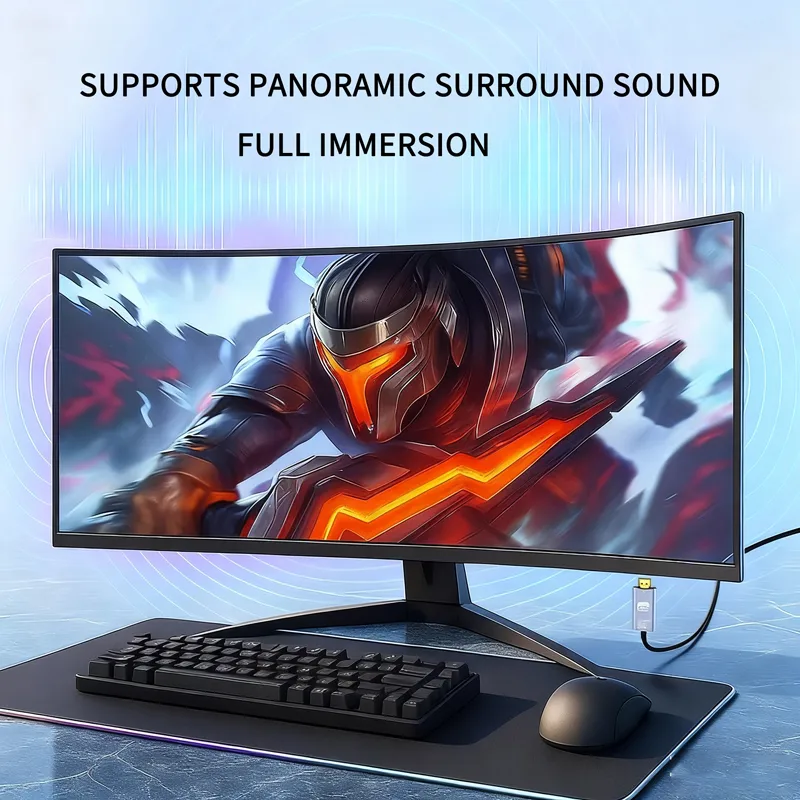
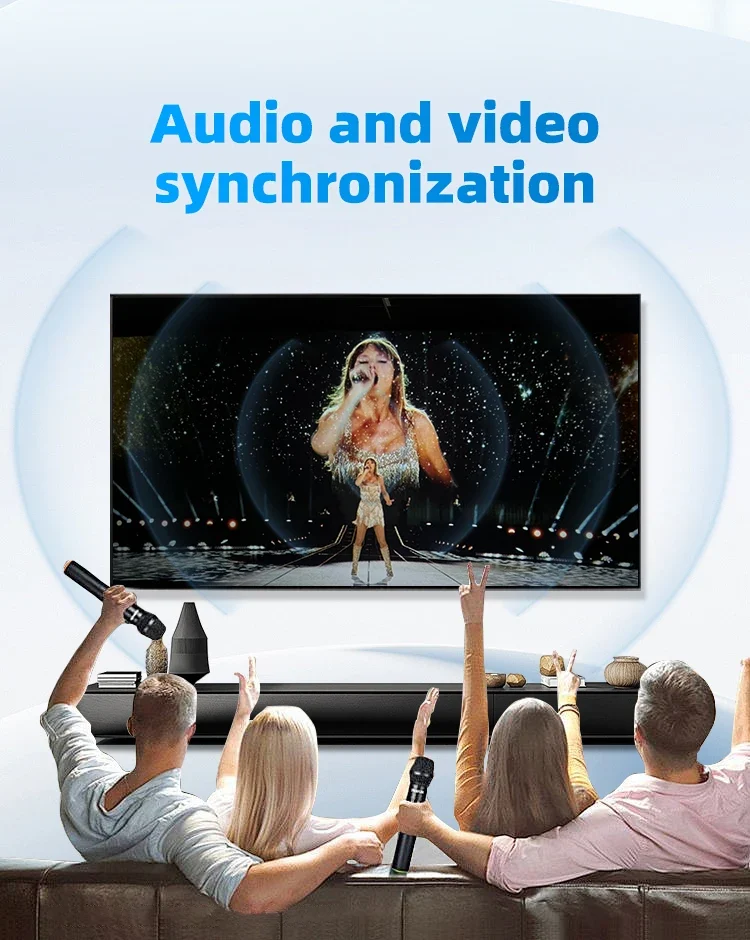
✅ Picture and sound travel through the same cable, so there is no separate audio lead
✅ Mirror your screen, or extend it so the TV or monitor works as a second display
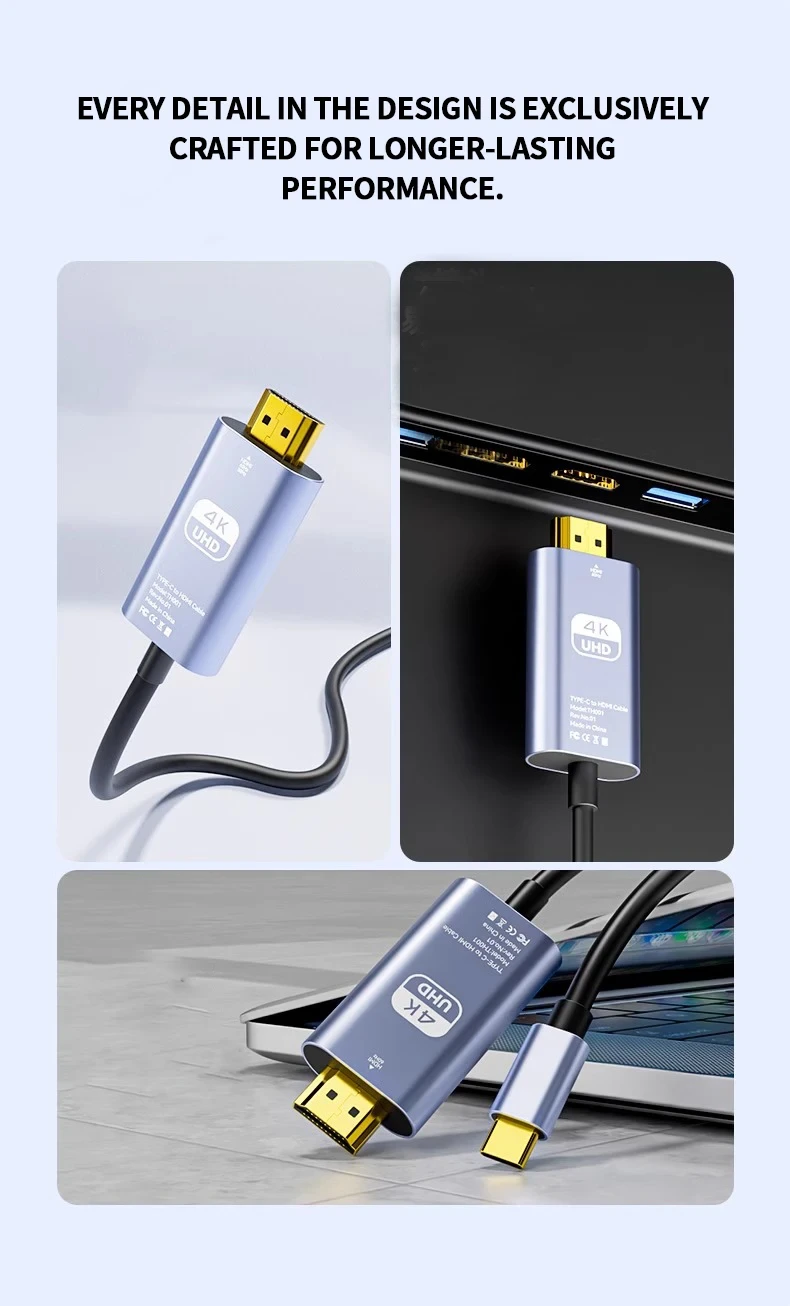
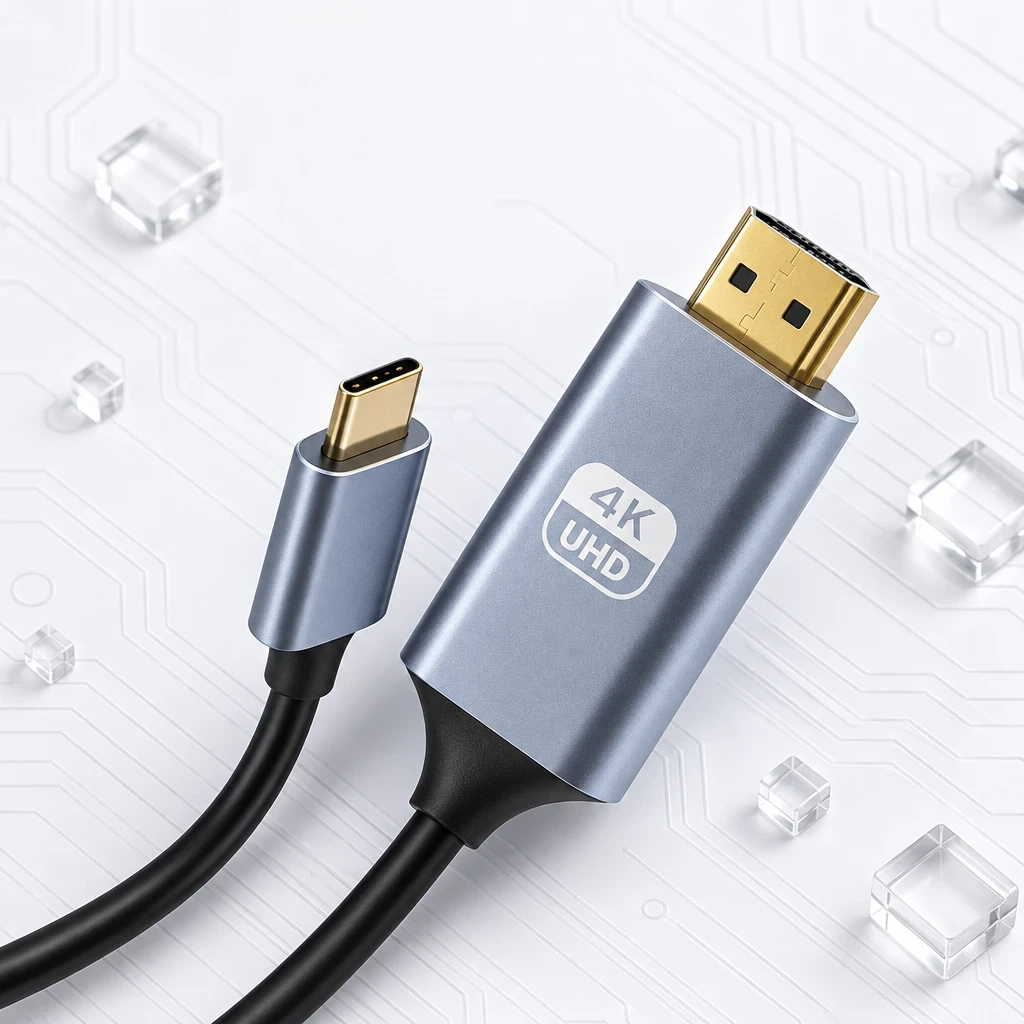
✅ Gold-plated connectors made to resist corrosion, set in metal housings
🇲🇹 USB C to HDMI Malta Homes
Many flats in Malta and Gozo have one good TV and a small desk, if any. With this cable the laptop can use the TV as its screen for an evening of work or homework, then go back in the drawer.
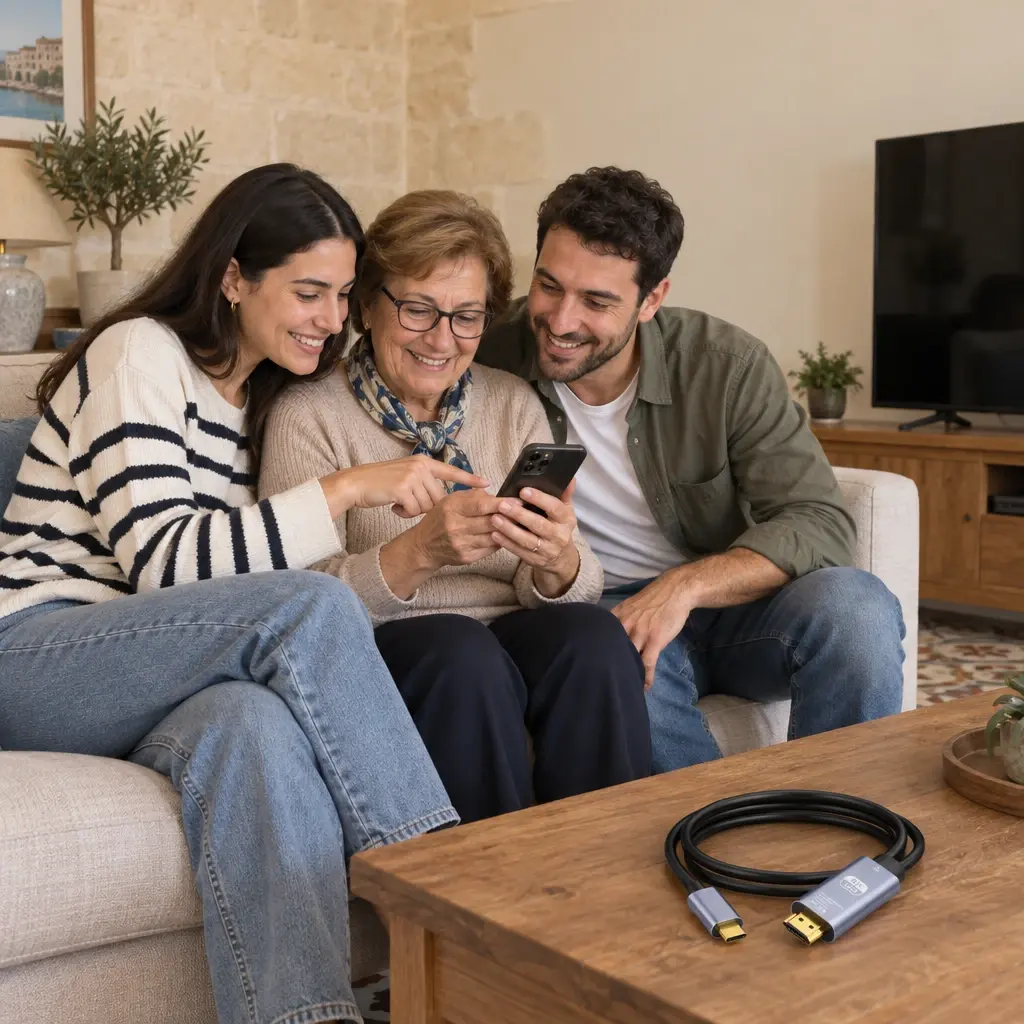
On hot summer afternoons, when the family stays indoors, a film or holiday photos on a tablet look far better on the TV than passed around the sofa. The gold-plated connectors are made to resist corrosion, a fair point in our humid, salty air. For a USB C to HDMI Malta homes can share between devices, the 2 m length gives room between the screen and where you sit.
👪 Who It Is For
✅ Anyone looking for a USB C to HDMI Malta lead for a holiday flat or a second TV
✅ People working from home who want a bigger screen for the laptop
✅ Families who want phone or tablet videos and photos on the TV
✅ Students and teachers presenting slides on a projector
✅ Laptop users with Thunderbolt 3 or Thunderbolt 4 ports
🛠️ How to Use It
Setting up a USB C to HDMI Malta connection takes only a few moments. Before you start, make sure your device sends video through its USB C port.
✅ 1. Check your device: its USB C port must support video output (DisplayPort Alt Mode) or be a Thunderbolt 3 or Thunderbolt 4 port.
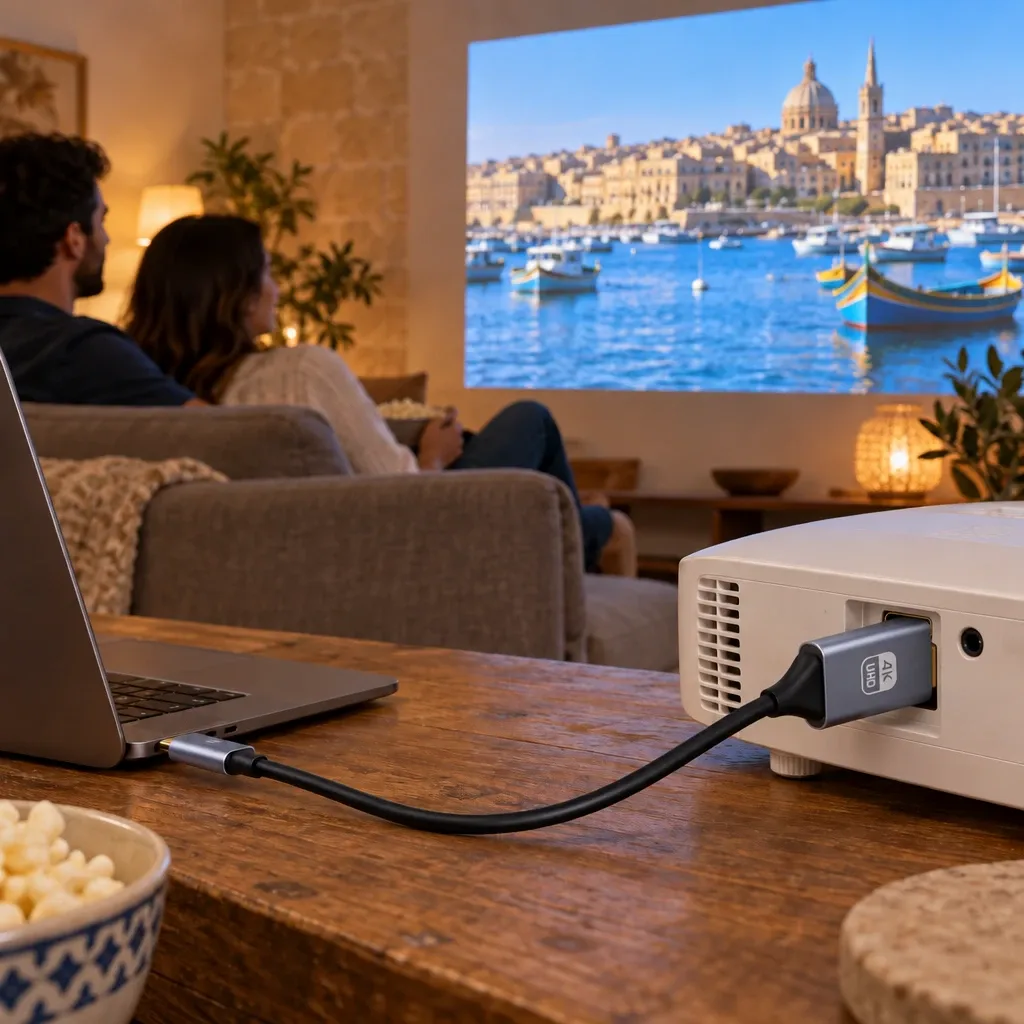
✅ 2. Plug the HDMI end into a free HDMI port on your TV, monitor or projector.
✅ 3. Plug the USB C end into your phone, tablet or laptop.
✅ 4. Use the TV remote to switch to the matching HDMI input.
✅ 5. On a laptop, choose mirror or extend in the display settings.
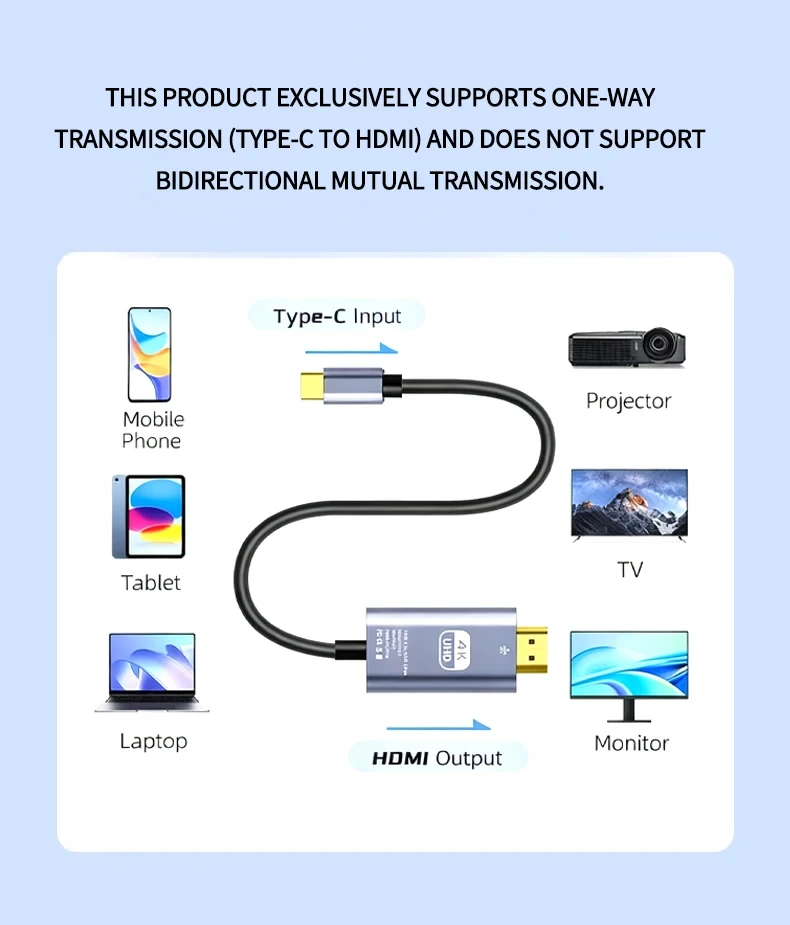
✅ 6. If no picture appears, check the cable is the right way round: it only works from USB C to HDMI.
📋 Specifications
| Connectors | USB Type-C (input) to HDMI (output) |
|---|---|
| Resolution | Up to 4K at 60Hz |
| Signal | Video and audio, one direction only |
| Display modes | Mirror and extend, where the device supports it |
| Length | 2 m |
| Connectors finish | Gold plated, metal housings |
| Conductor gauge | 24-30AWG |
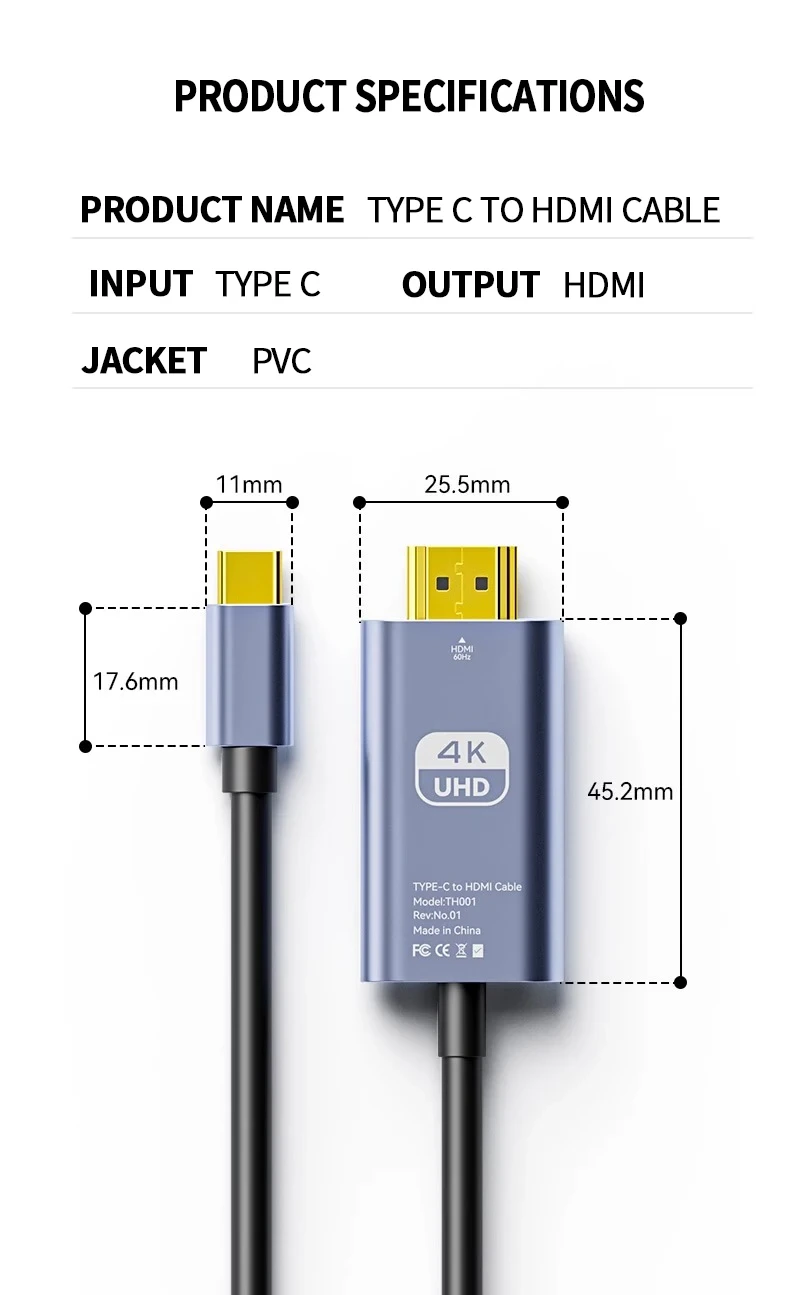
| Cable jacket | PVC |
| USB C plug head | 11 x 17.6 mm |
| HDMI plug head | 25.5 x 45.2 mm |
| Works with | TV, monitor, projector, home theatre |
| Power | No mains plug needed |
| Package size | 23 x 17 x 2 cm |
| Packaged weight | 0.2 kg |
🧽 Care and Maintenance
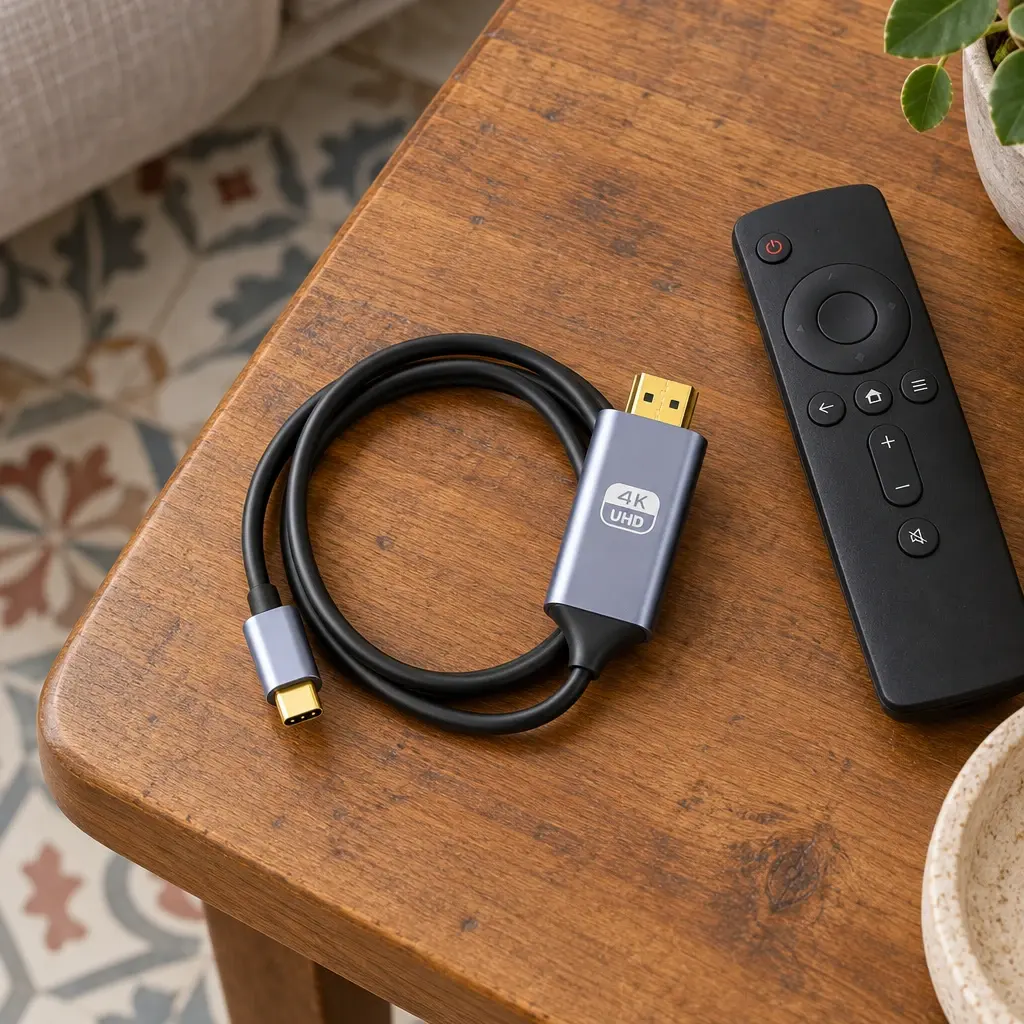
A cable lasts longer when it is treated gently. Store your USB C to HDMI Malta cable loosely coiled rather than wrapped tight.
✅ Avoid sharp bends right at the plug heads
✅ Pull by the plug, never by the cable
✅ Keep the plugs dry and free of dust
✅ Wipe with a dry cloth when needed
📦 What Is in the Box
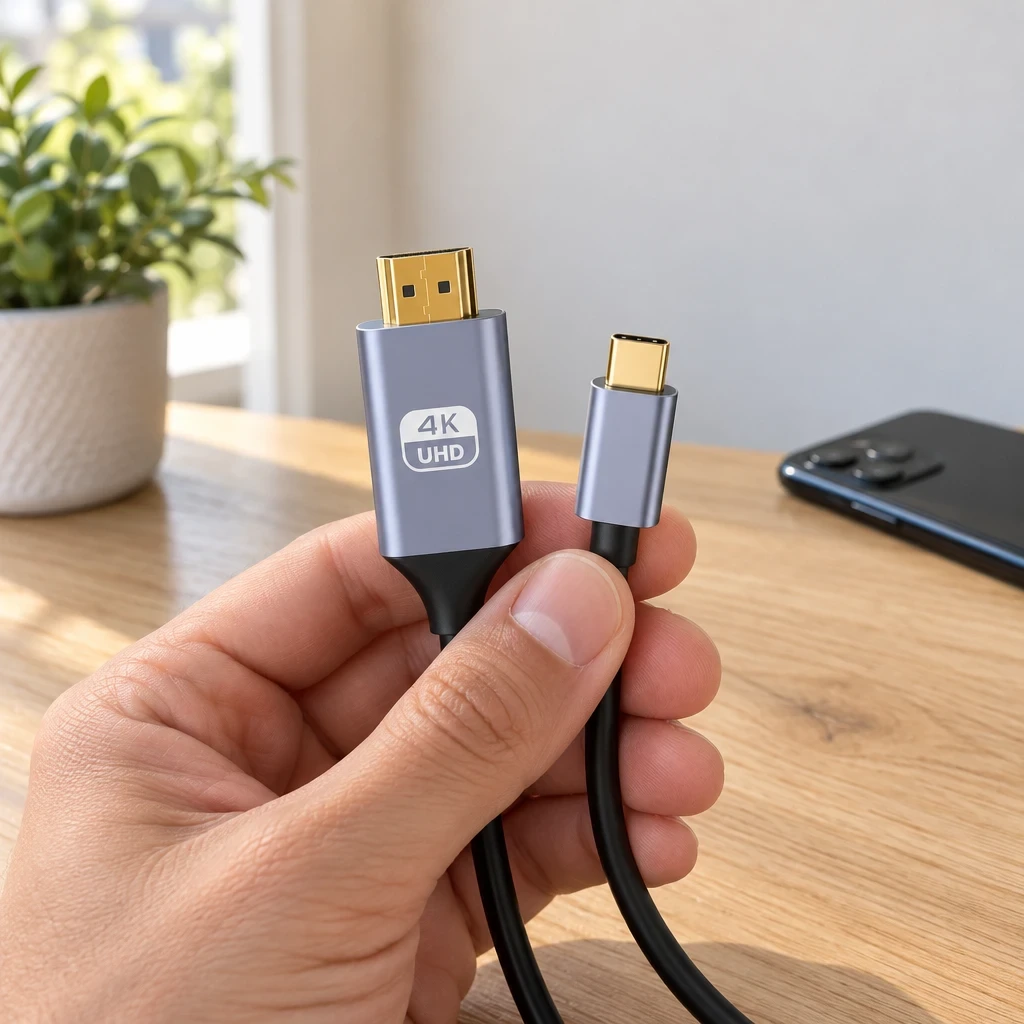
✅ 1 x USB C to HDMI cable
✅ User manual
❓ Frequently asked questions
Will it work with my phone?
Only if your phone’s USB C port sends video, known as DisplayPort Alt Mode. Many laptops, tablets and higher-end phones do, but many lower priced phones do not, so check your phone’s specifications before you order a USB C to HDMI Malta cable.
Does it carry sound as well as picture?
Yes. Sound and picture travel over the one cable, so the audio plays through the TV or monitor.
Can I use it the other way round?
No. It works one way only: USB C in, HDMI out. It will not send a picture from an HDMI device to a USB C screen.
Will I get a 4K picture?
This USB C to HDMI Malta cable carries up to 4K at 60Hz. You see 4K when your device and your screen both support it; otherwise you get the highest resolution both can handle.
Does it work with a Thunderbolt laptop?
Yes, it is made for Thunderbolt 3 and Thunderbolt 4 ports, which send video through the USB C shaped socket.
Can I charge my device while using it?
The cable has just the two plugs, with no extra socket for a charger. For a long film, start with a full battery.

Customer Reviews
Related Products

2 Tier Stainless Steel Dish Rack Malta
In stock

Adjustable Garment Steamer Rack Malta
In stock

Adjustable Projector Stand Malta, 160 cm Tripod
In stock
Air Purifier Malta with Night Light
In stock
Aroma Oil Diffuser Malta
In stock
Automatic Cat Feeder With Wi-Fi App Malta
In stock
Reviews
Clear filtersThere are no reviews yet.